Release: Pokémon Brown 3D 1.1.0
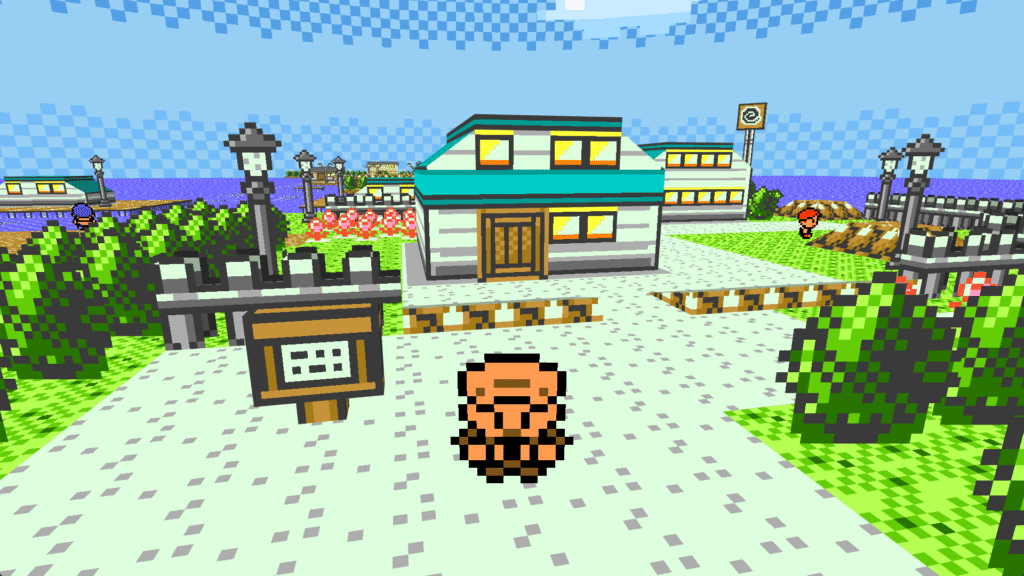
Today we release our first major update to Pokémon Brown 3D!
This includes the new features and fixes introduced in the base game, Pokémon 3D, and a huge amount of fixes and improvements to our GameMode.
Check out the full changelog here!
New Installer
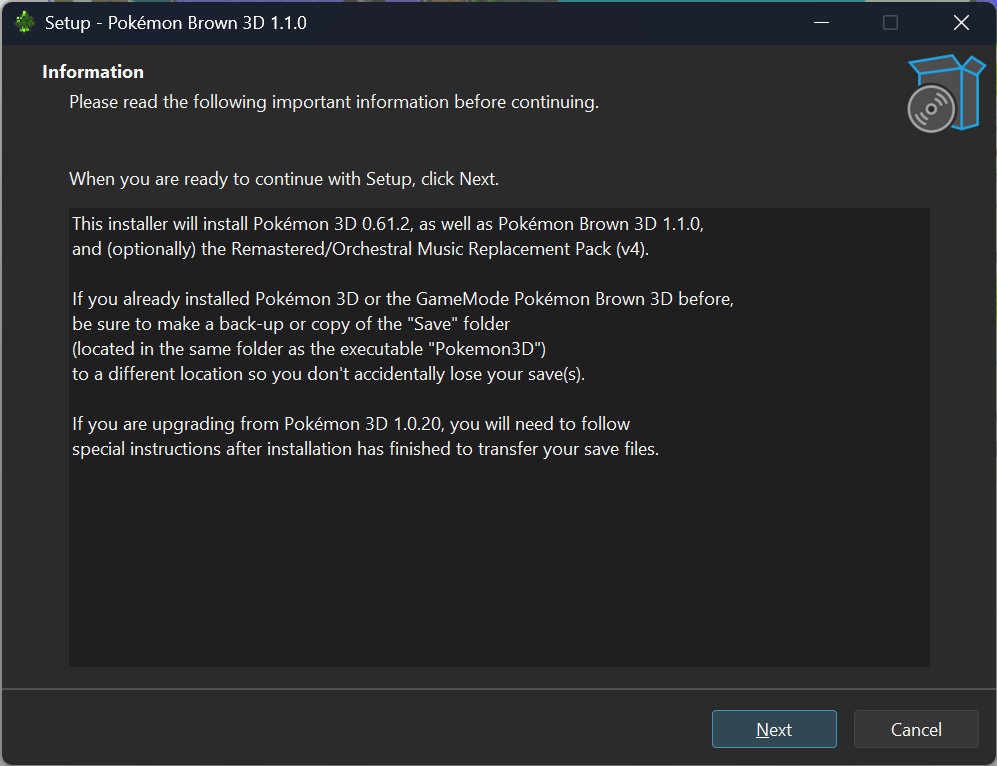
With this release, we have a brand new, easy-to-use installer that does everything for you. It will install the base Pokémon 3D, include the Pokémon Brown 3D GameMode, and give you the option of downloading the Enhanced Music pack.
If you are upgraded from our previous version (1.0.20) or a version installed manually, you will need to manually transfer your save files after installation as follows:
- Open your old Pokémon 3D folder.
- Find the folder called “Save”.
- Right-click it and press Copy.
- Right-click your Start menu and press Run.
- Type in
%APPDATA%and press Enter. - Open the Pokémon 3D folder.
- Paste the “Save” folder here and replace the current one.
Any future version of Pokémon Brown 3D will automatically update files without needing to transfer your save files. That being said, we always recommend that you back up your save data before updating!
Bug Reports
If you see any issues with Pokémon Brown 3D, head over to the game’s GitHub page and report it!
Thank You!
We want to extend our deepest gratitude to the Pokémon 3D developers, our developers at RainbowDevs (particularly our lead developer), and the community for your amazing support we’ve gotten for this game. It’s been amazing to see all your posts and videos. Thank you all so much, and we hope to continue to create for you.
Ex cineribus resurgam, ferox et potens. 🔥