Release: Pokémon Brown 3D 1.1.0
Today we release our first major update to Pokémon Brown 3D!
This includes the new features and fixes introduced in the base game, Pokémon 3D, and a huge amount of fixes and improvements to our GameMode.

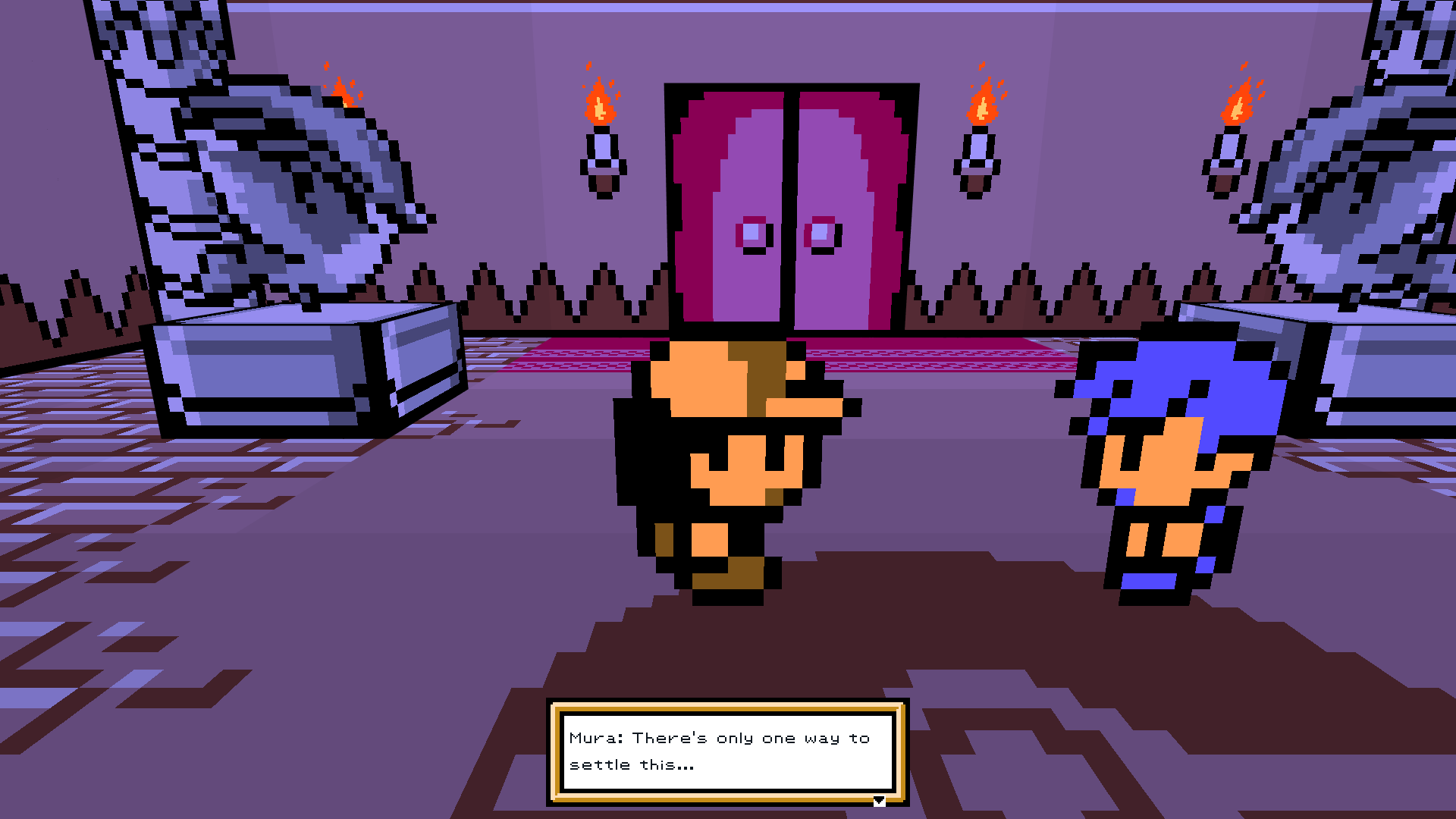
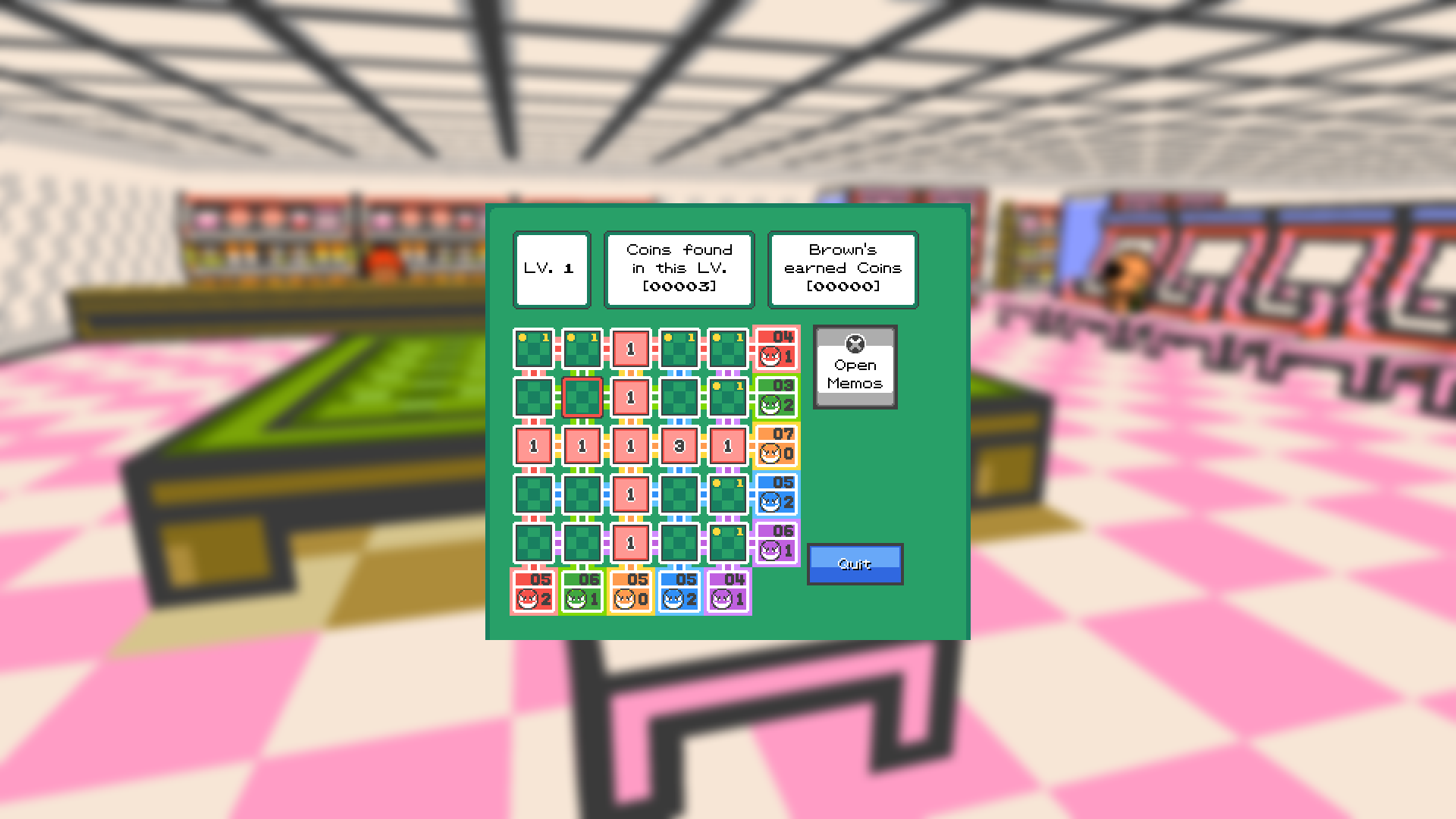
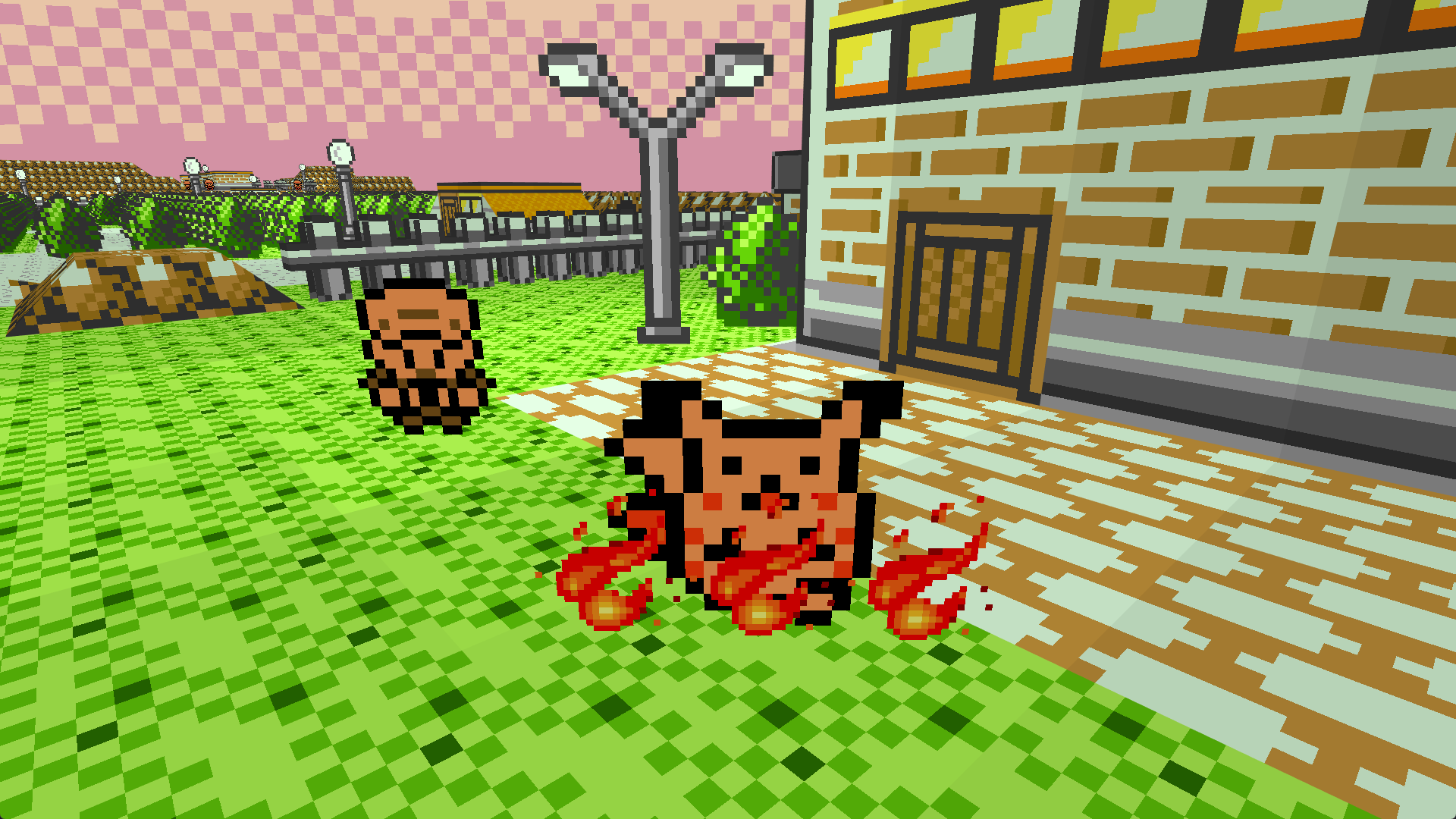
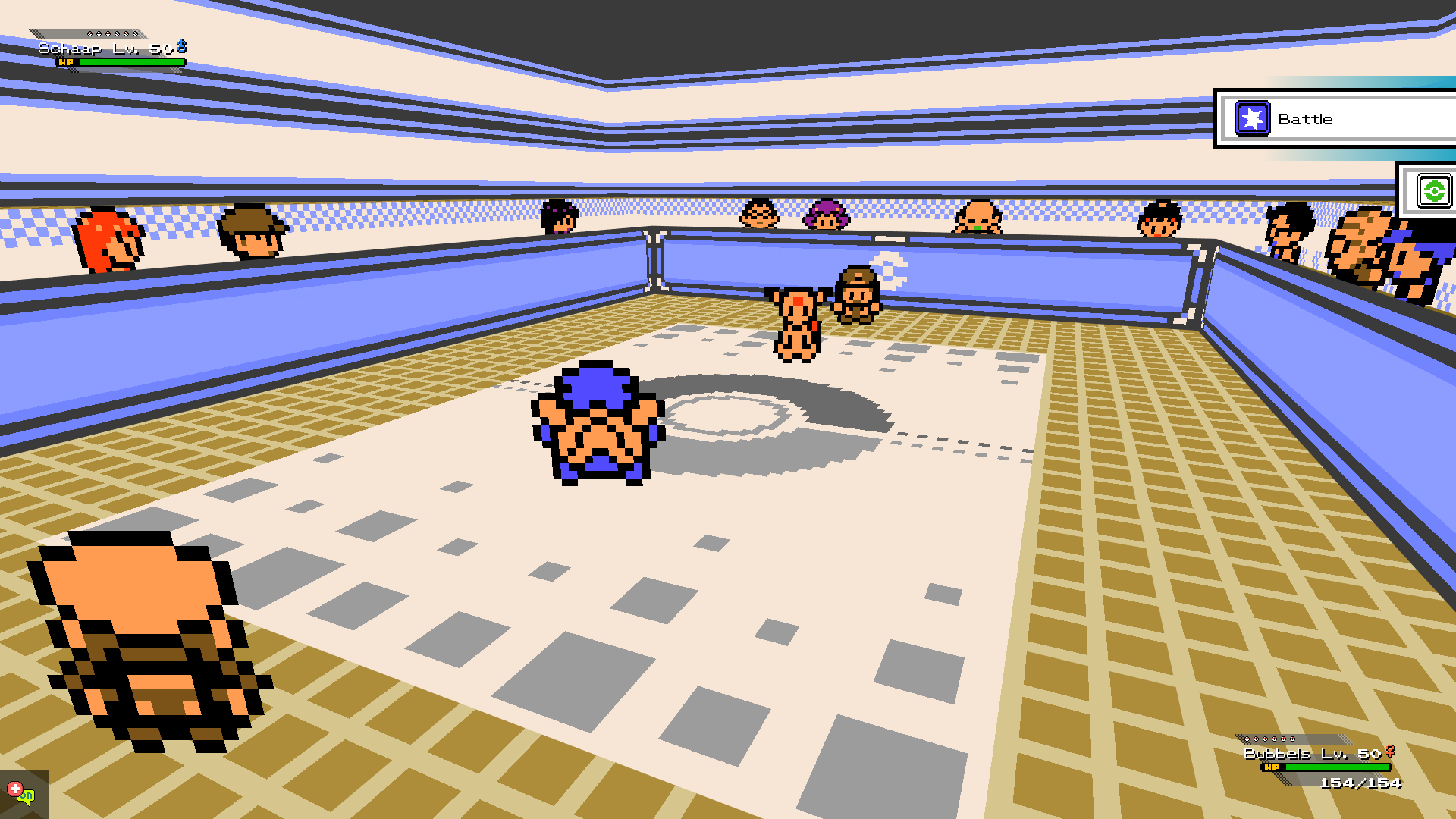
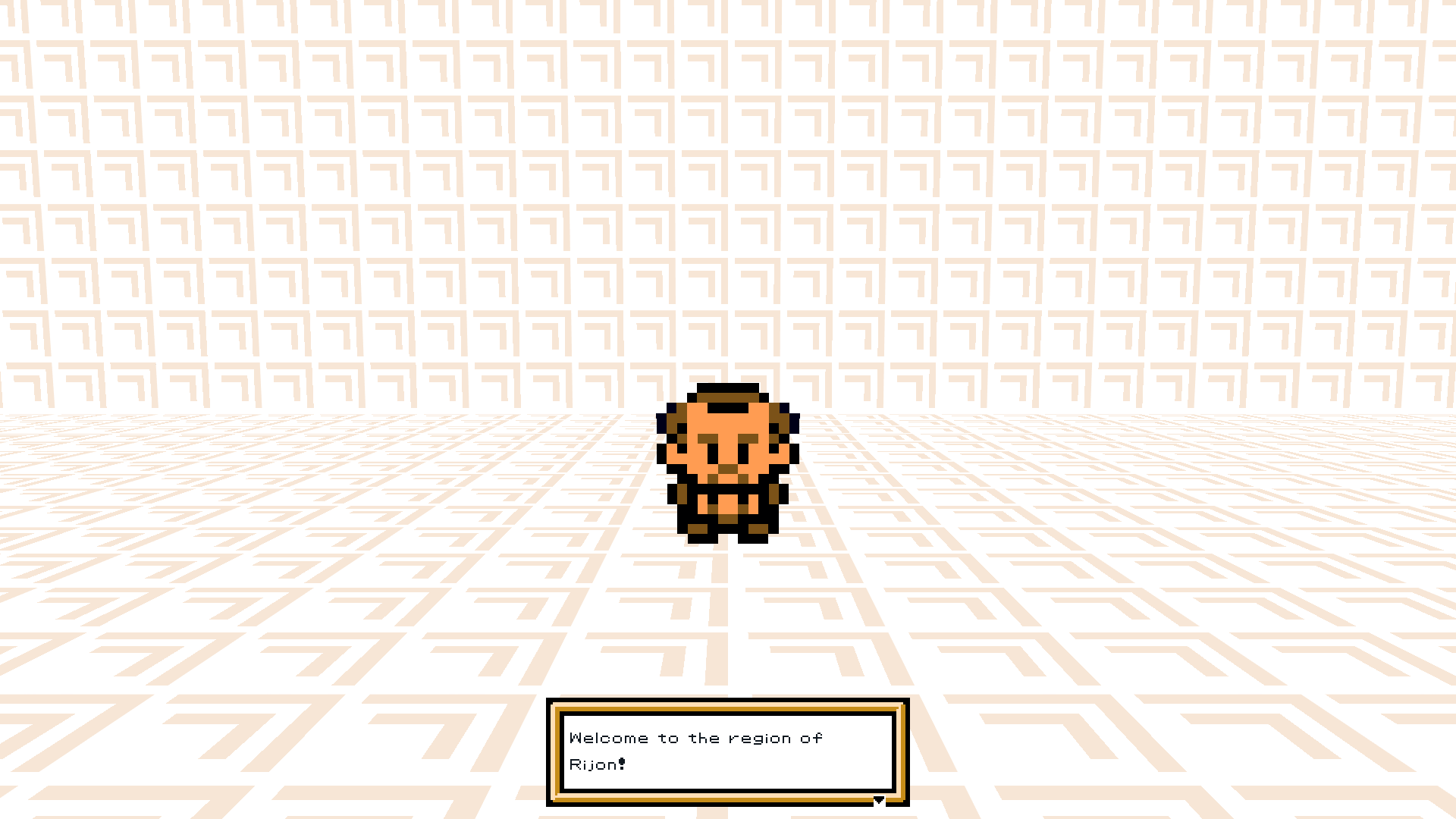
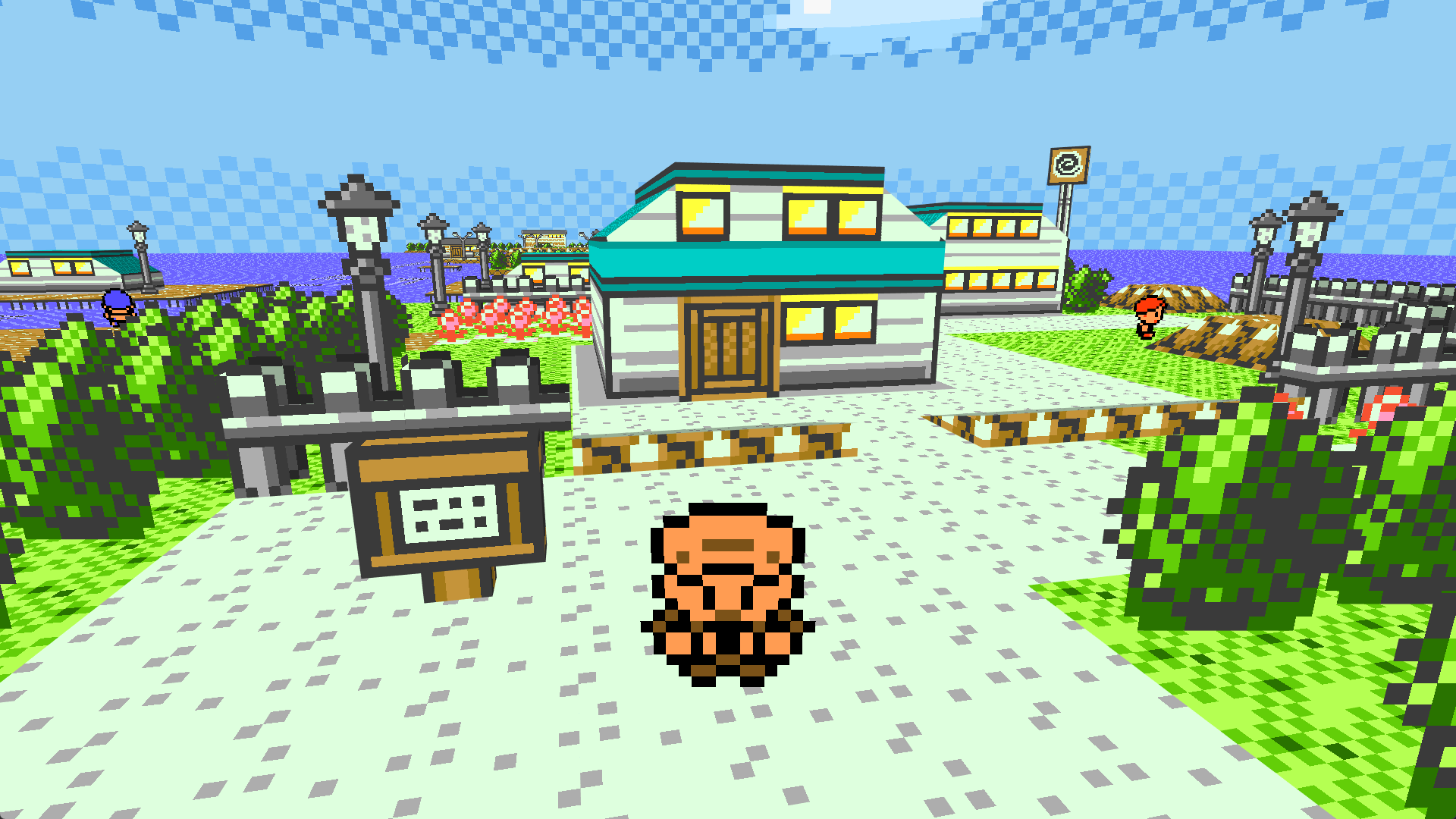
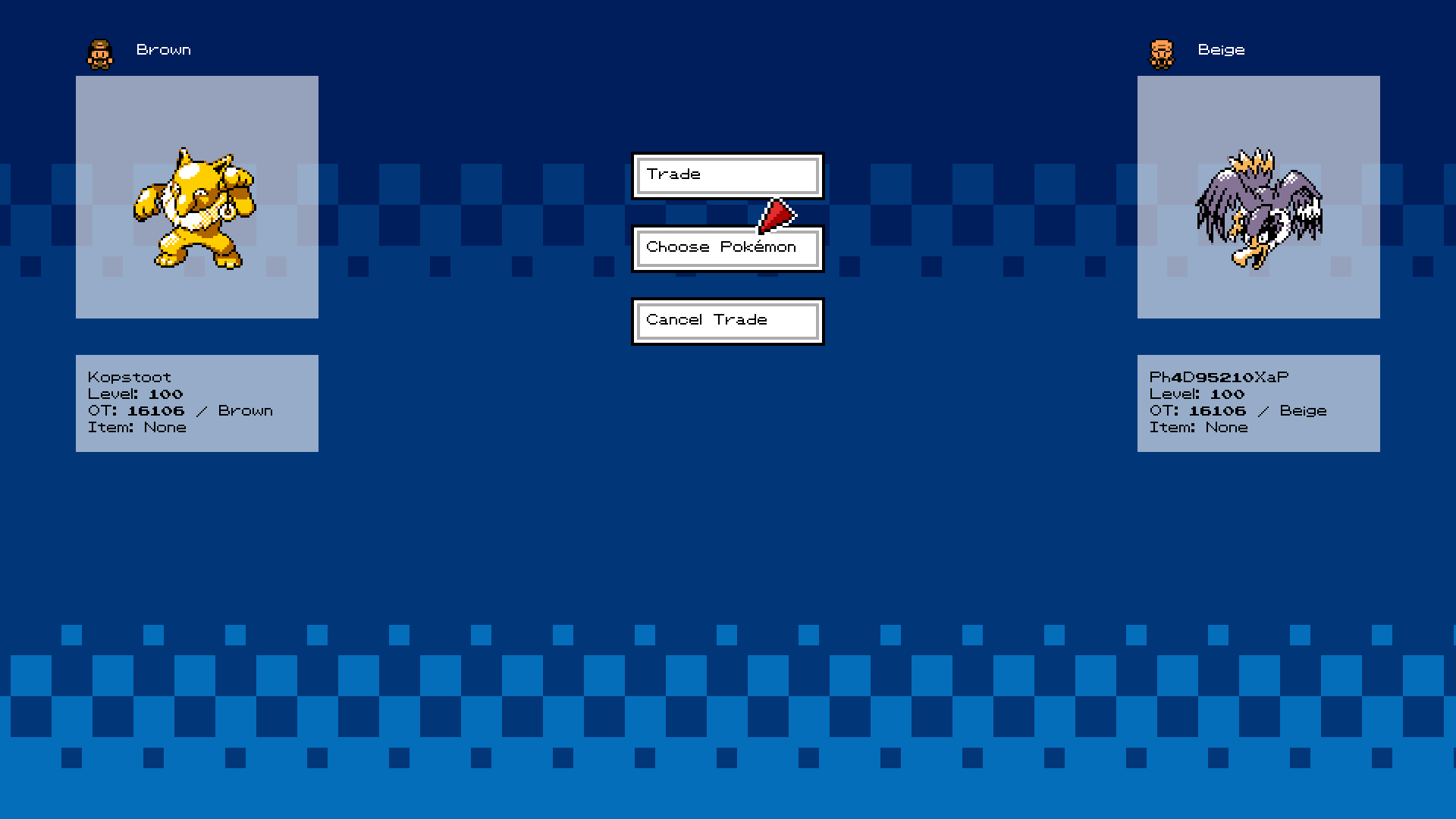
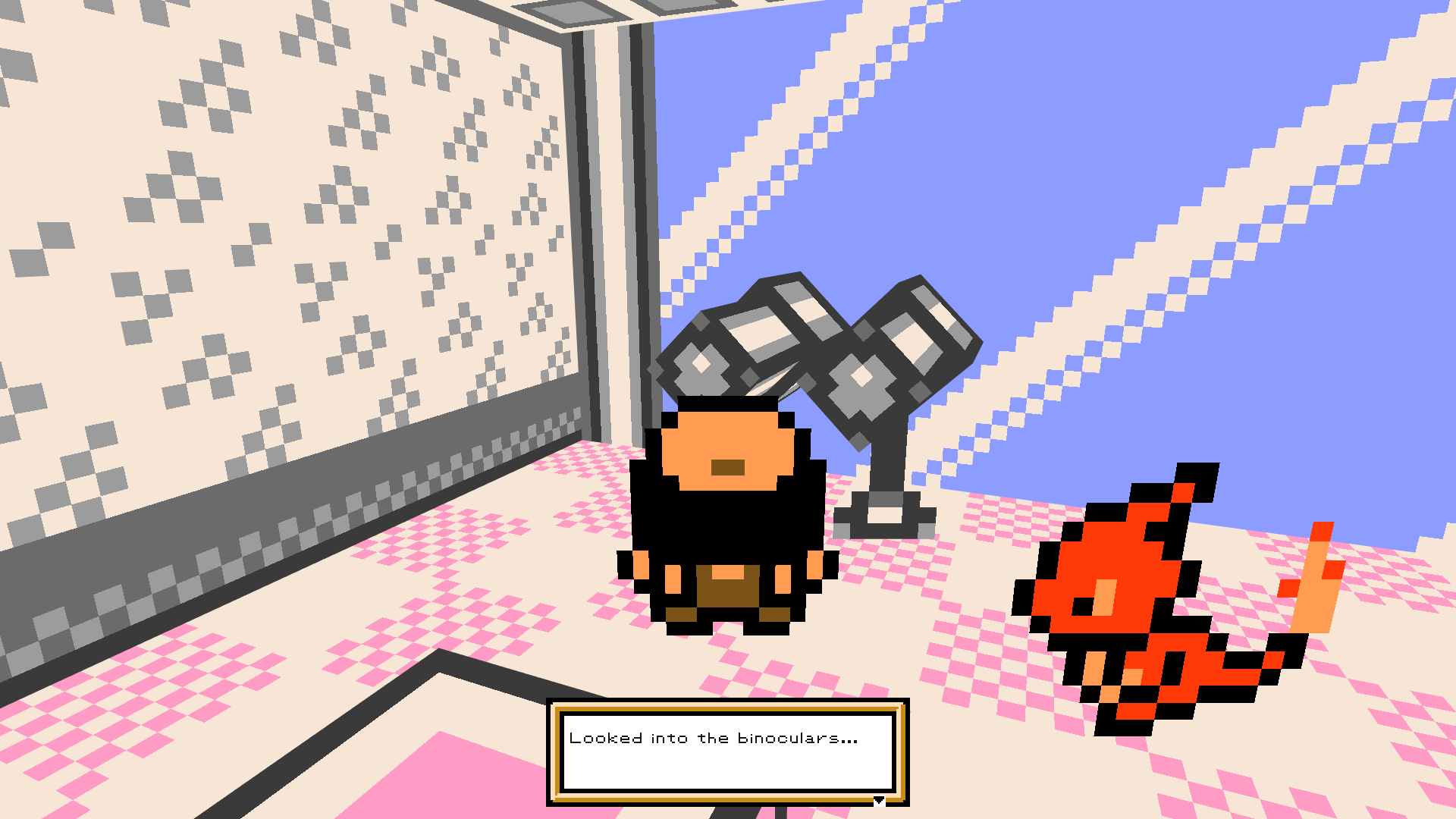
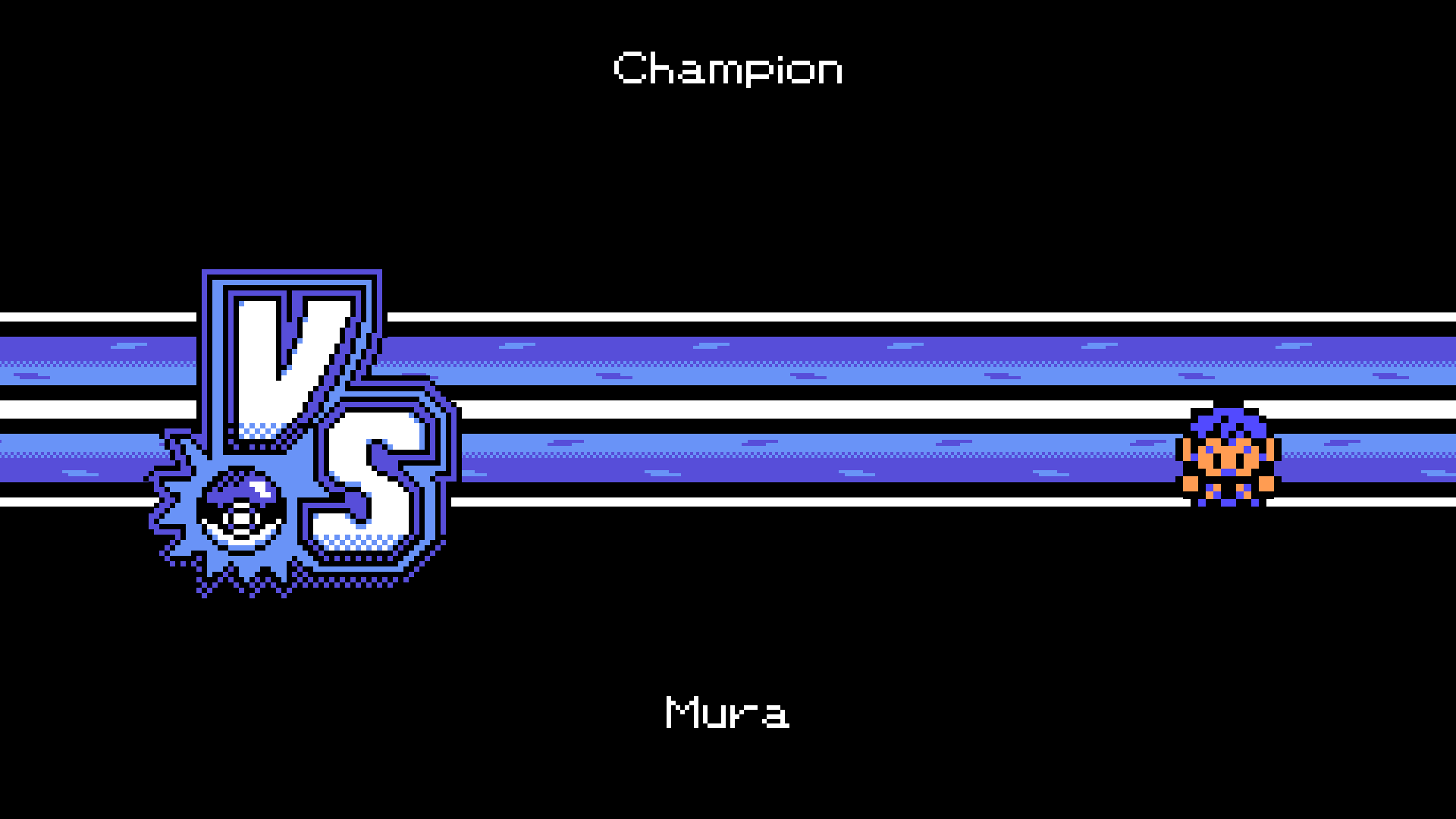
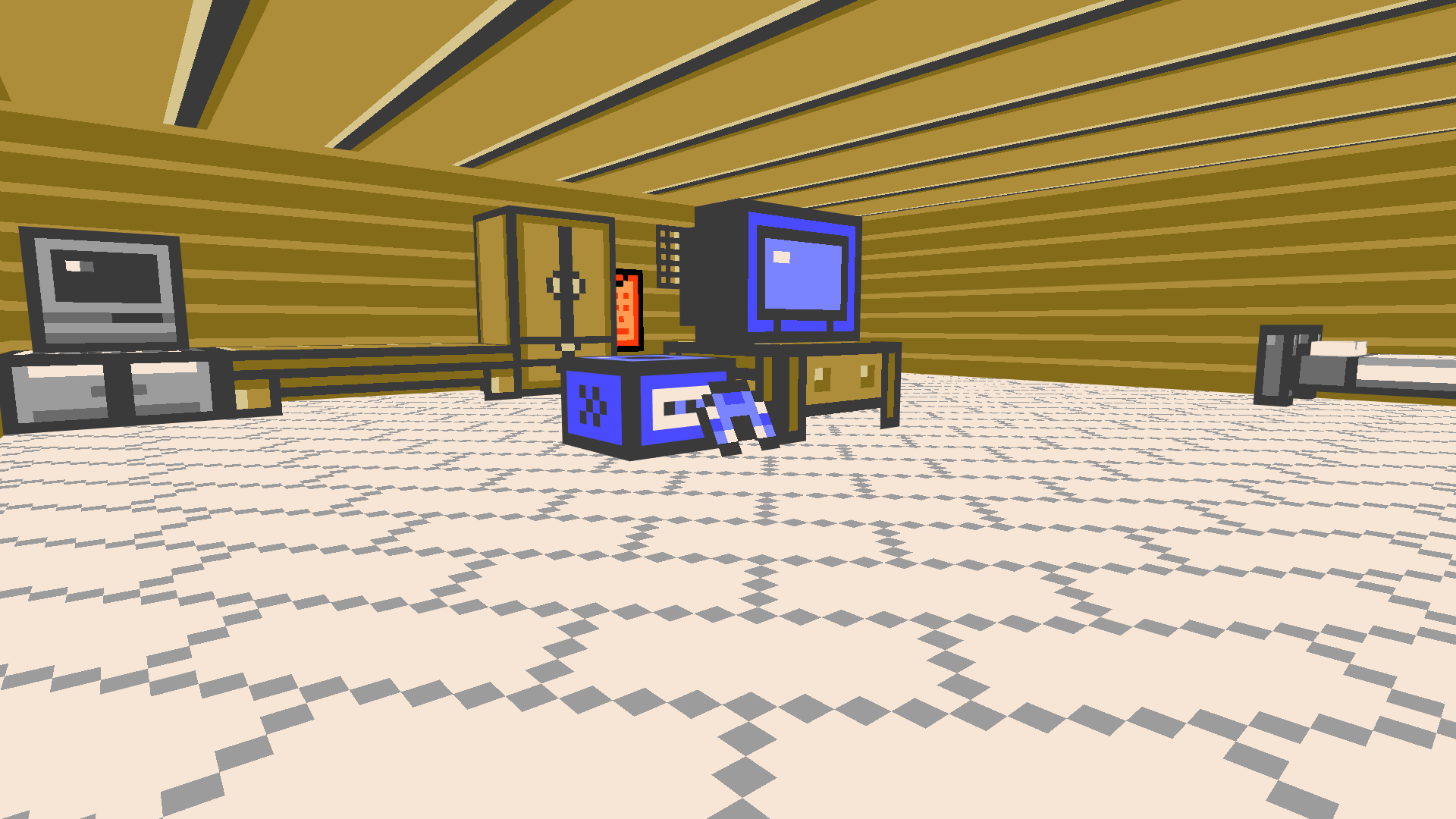
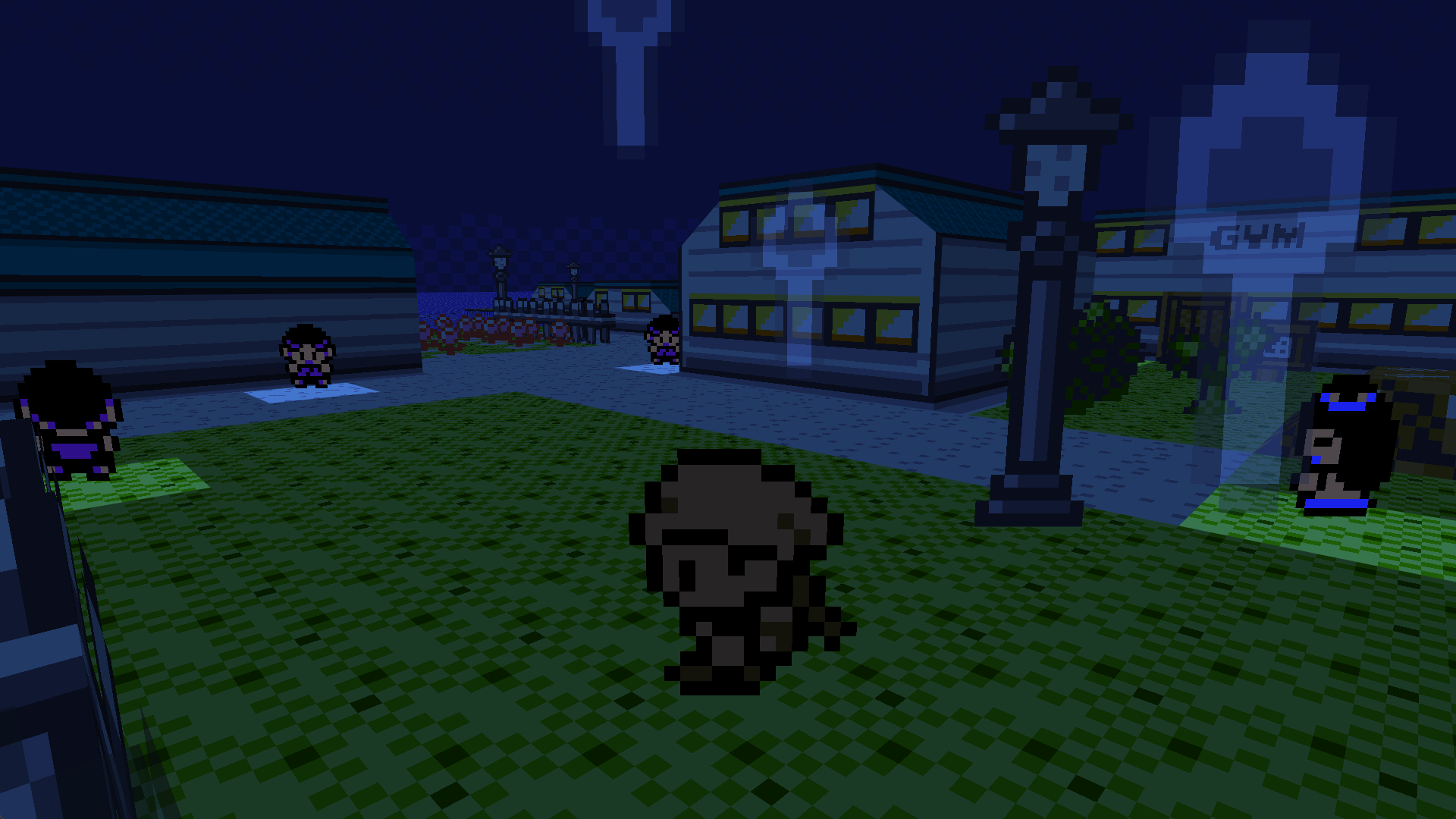
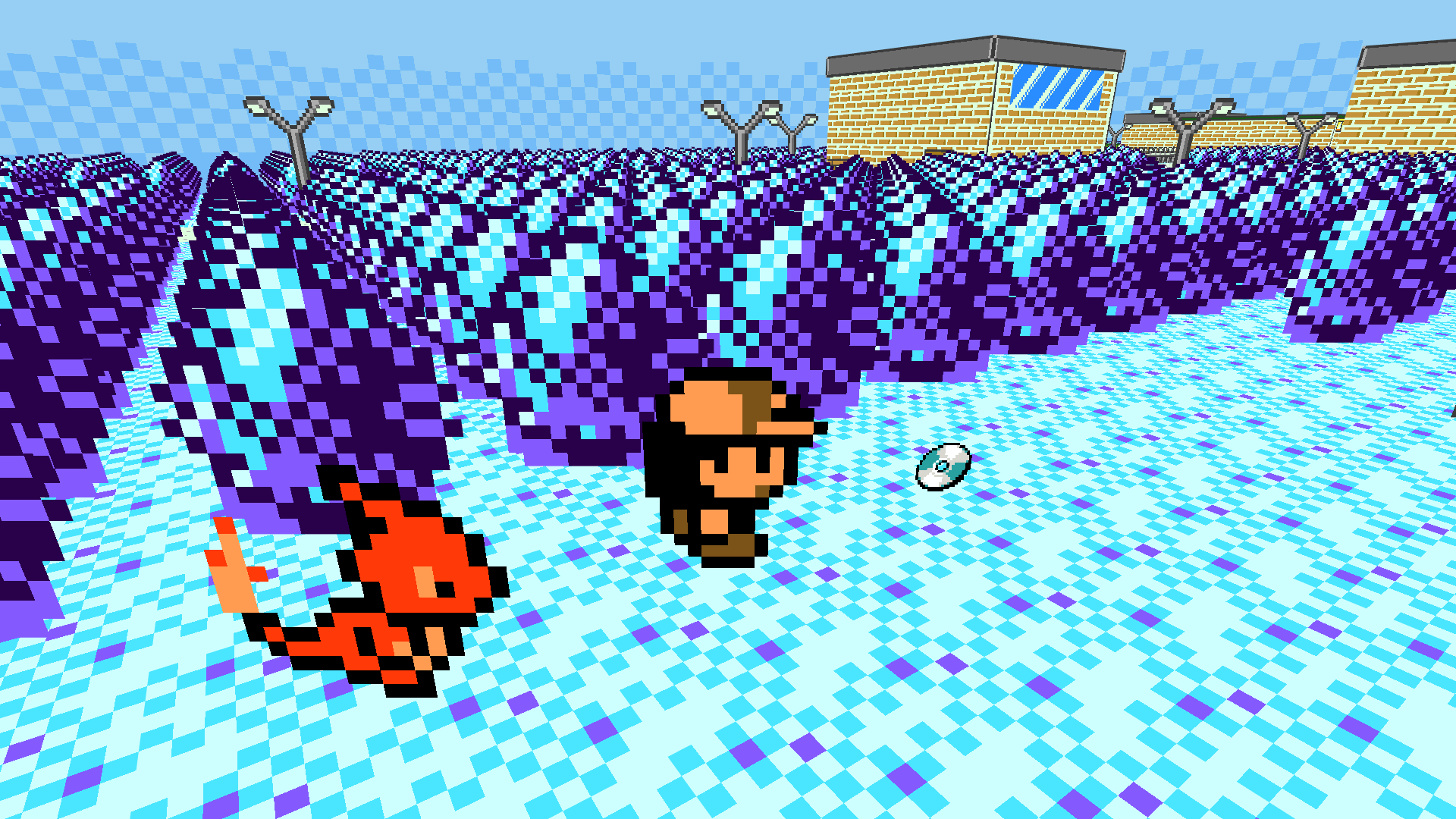
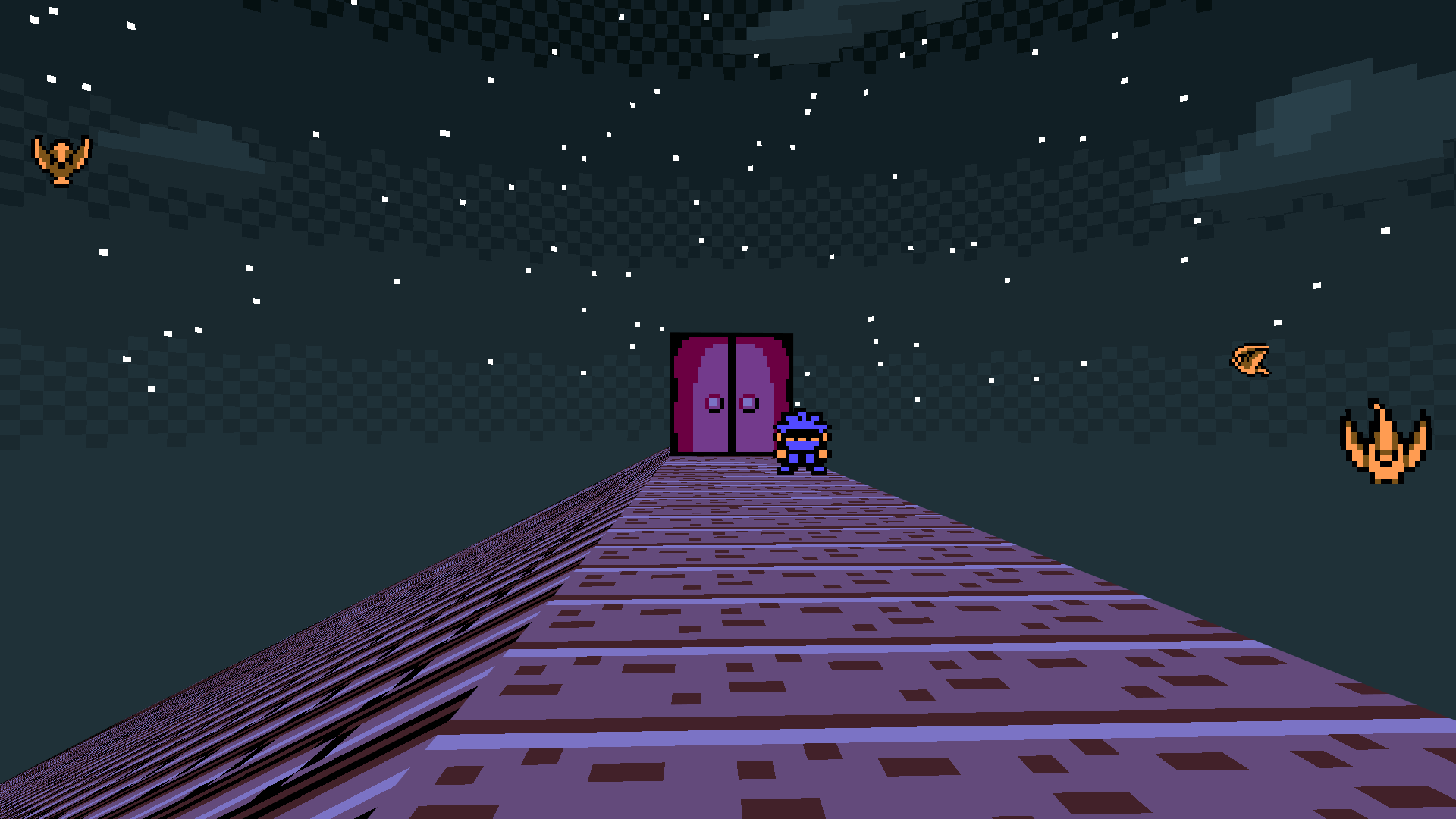
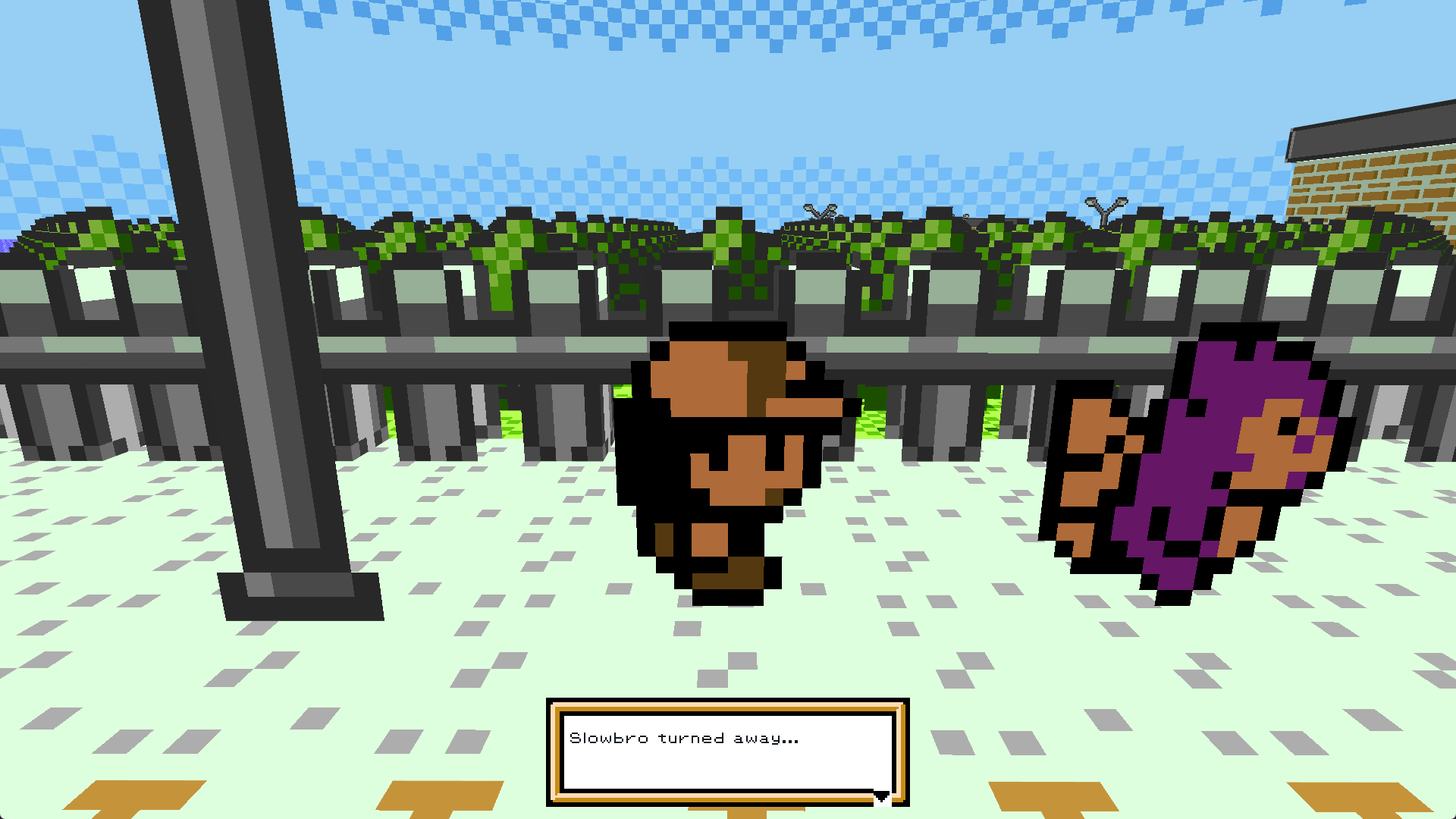
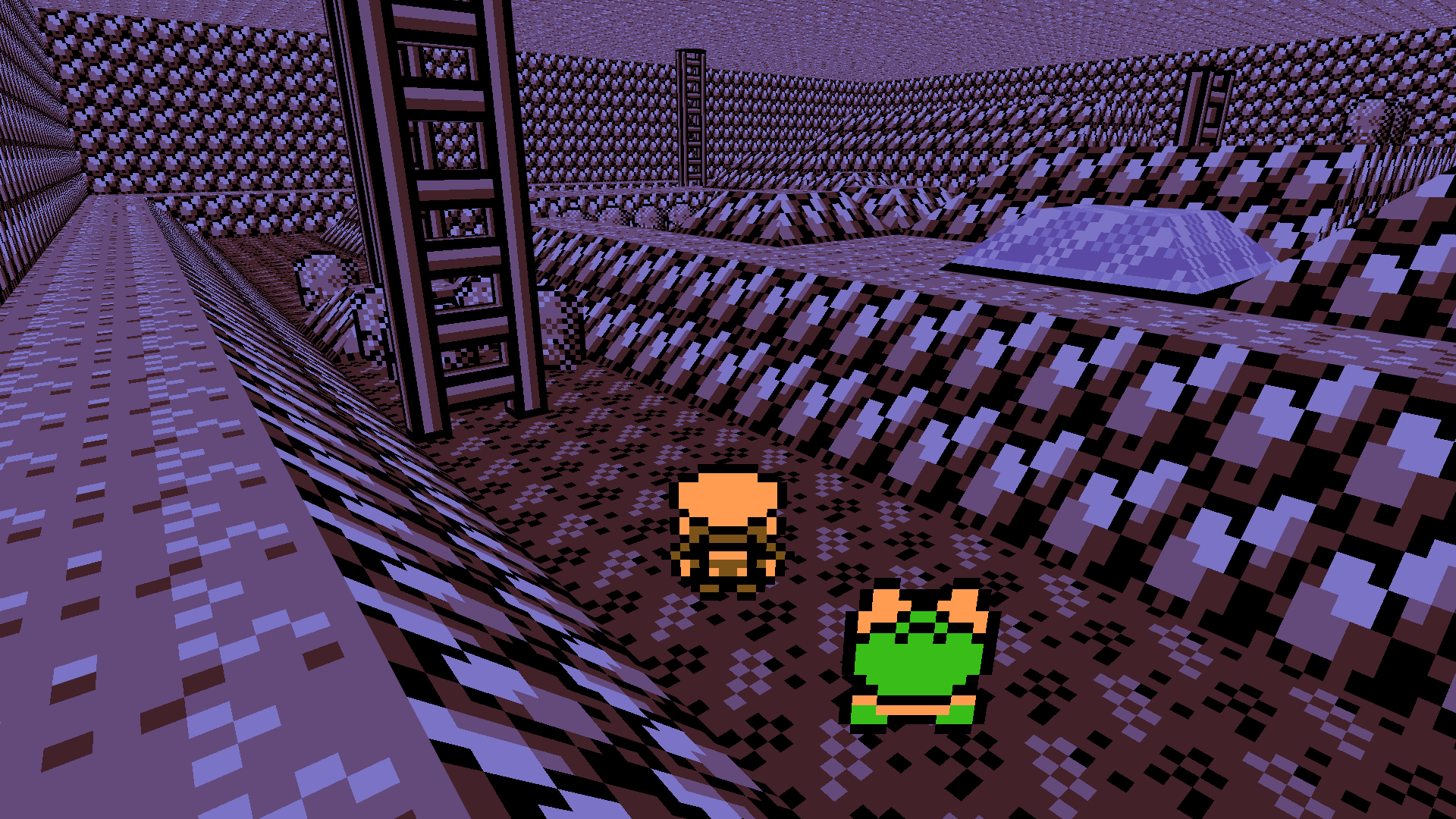
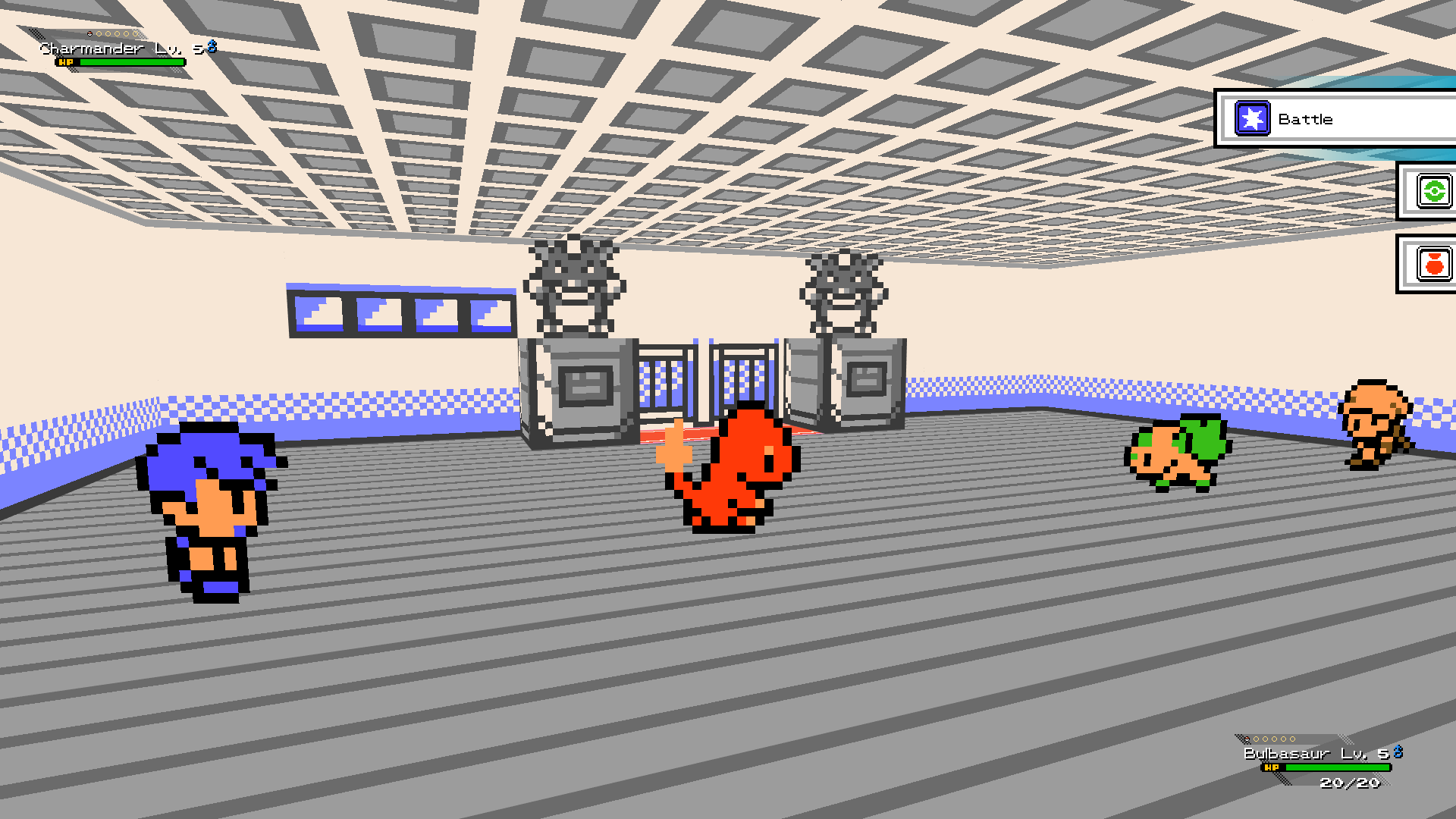
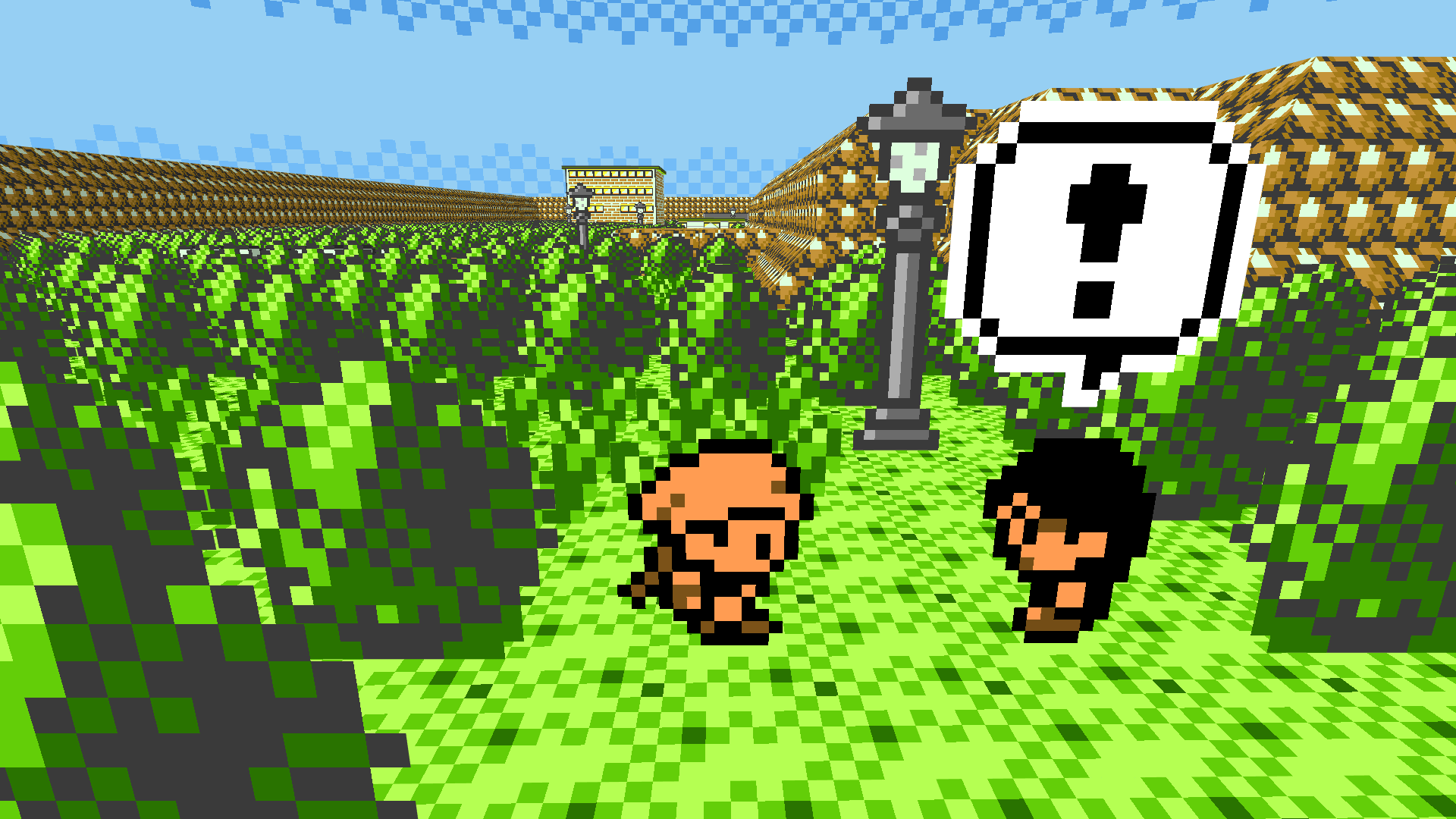
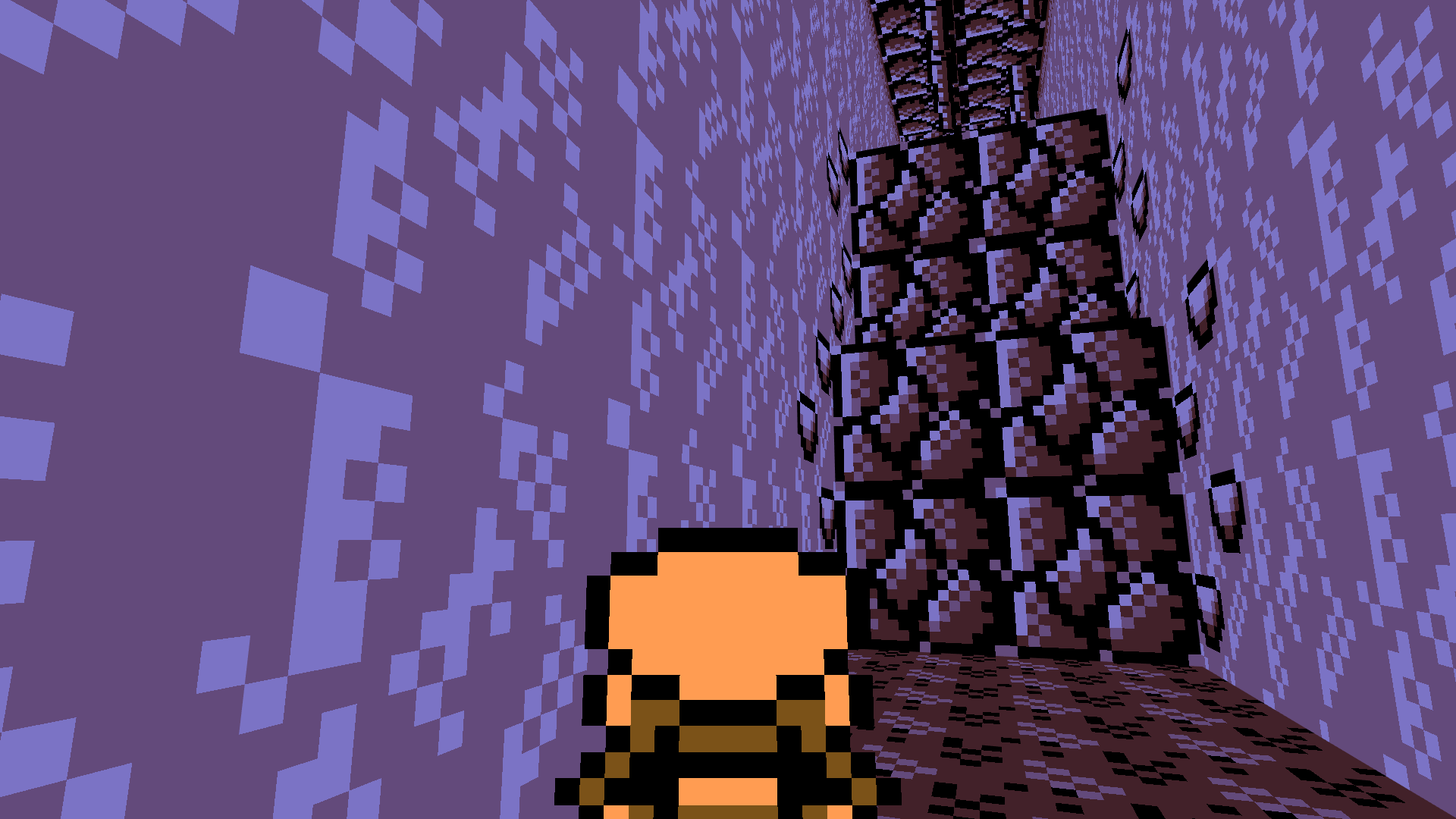
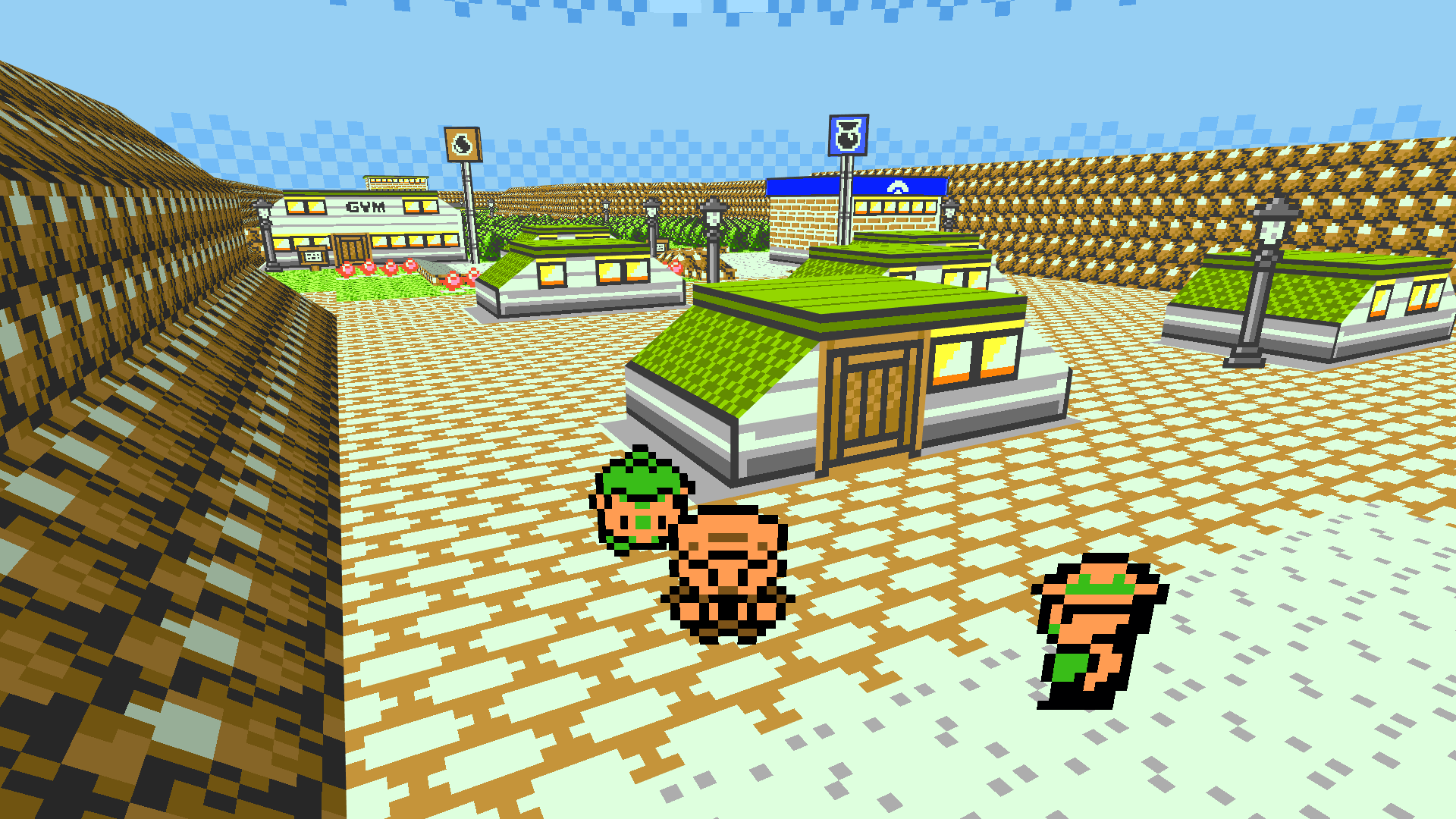
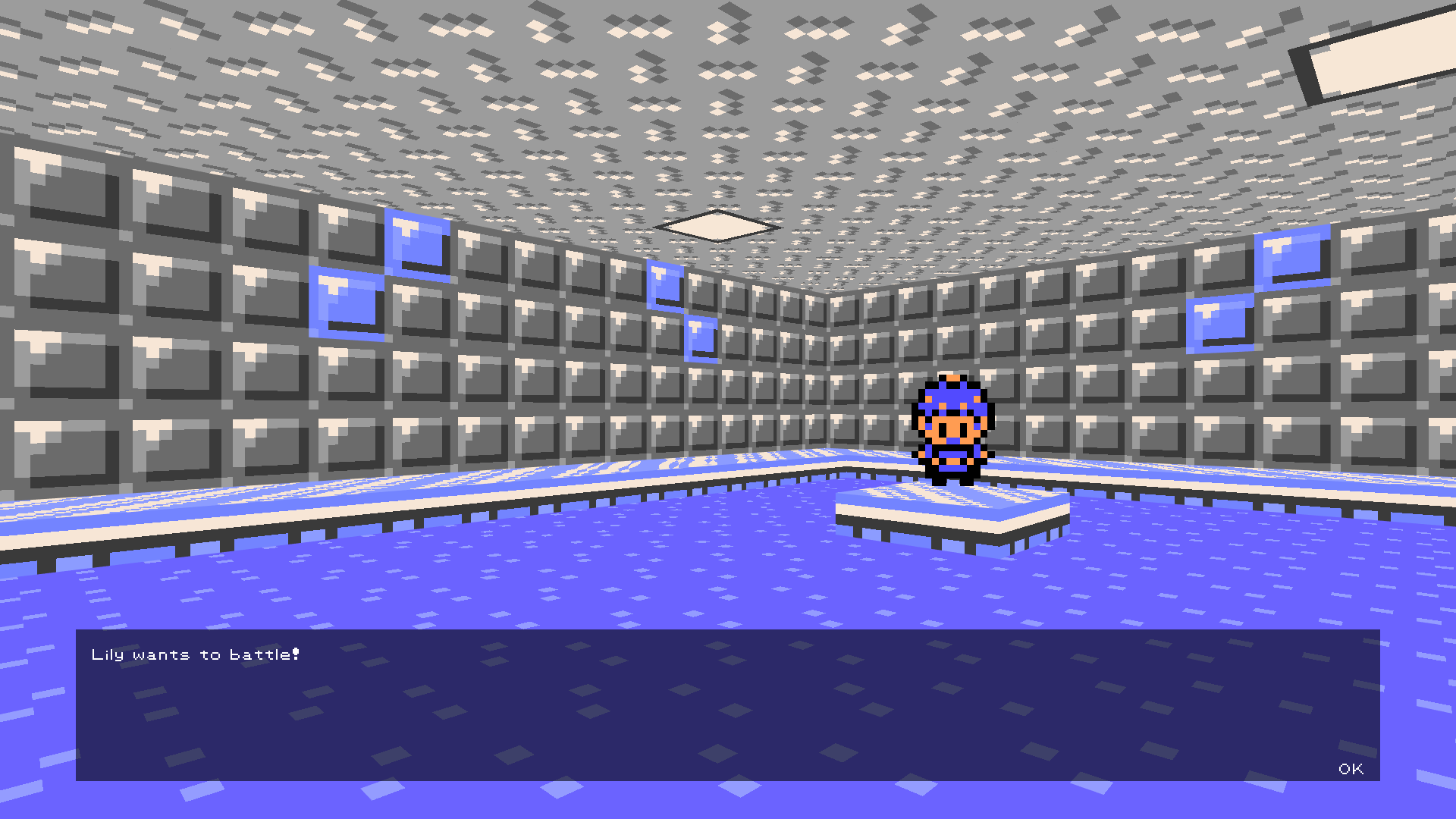
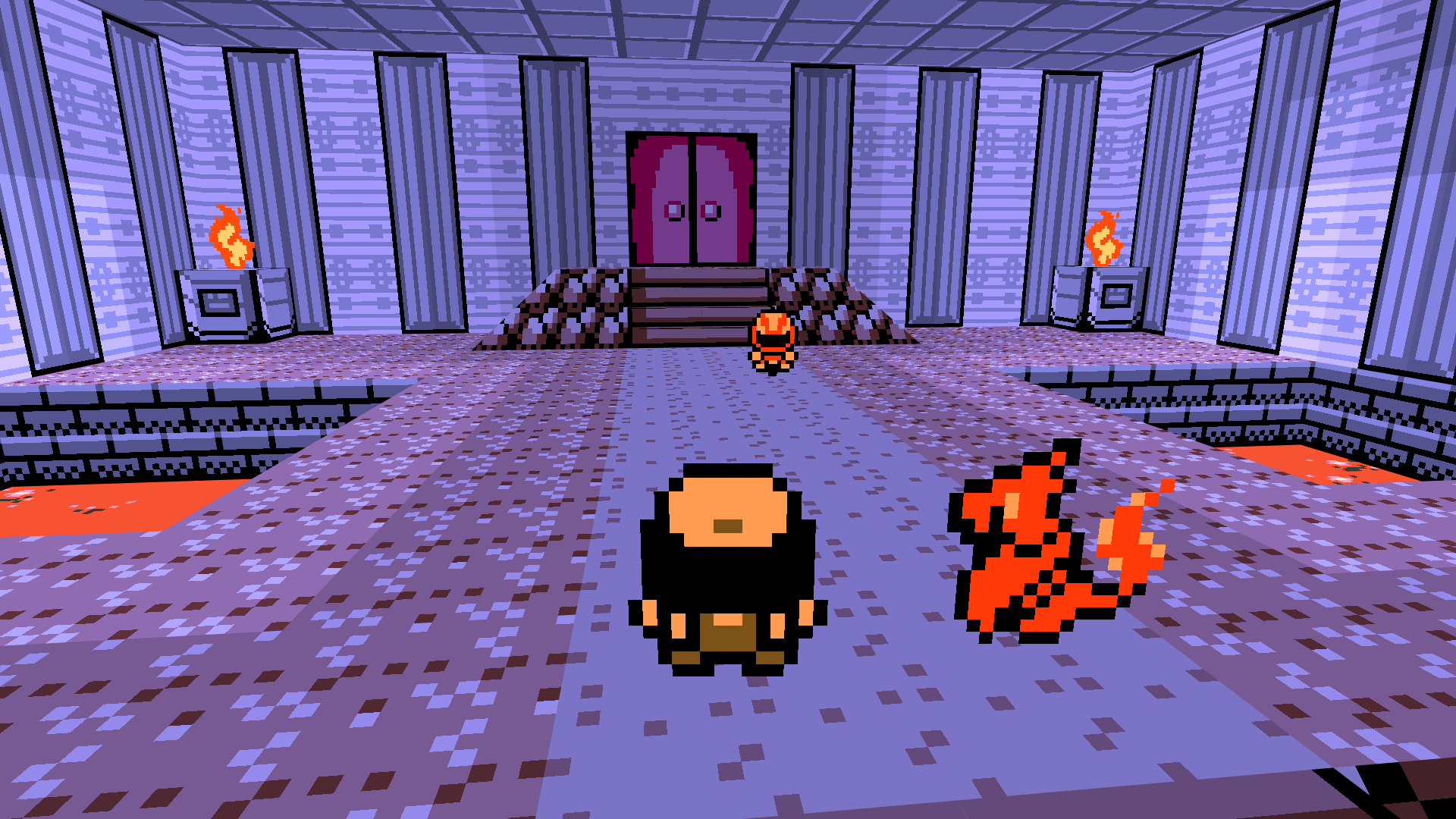
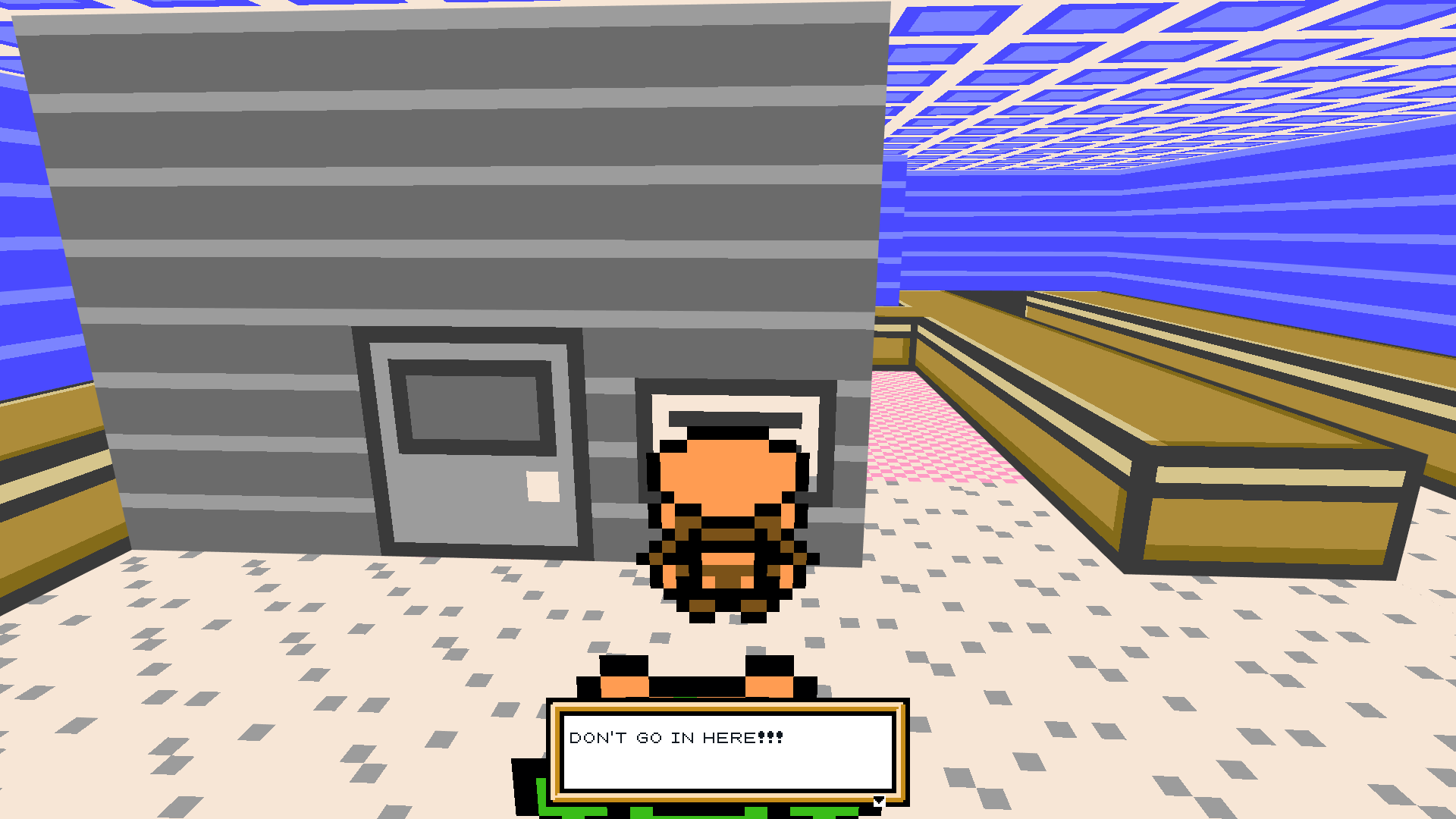
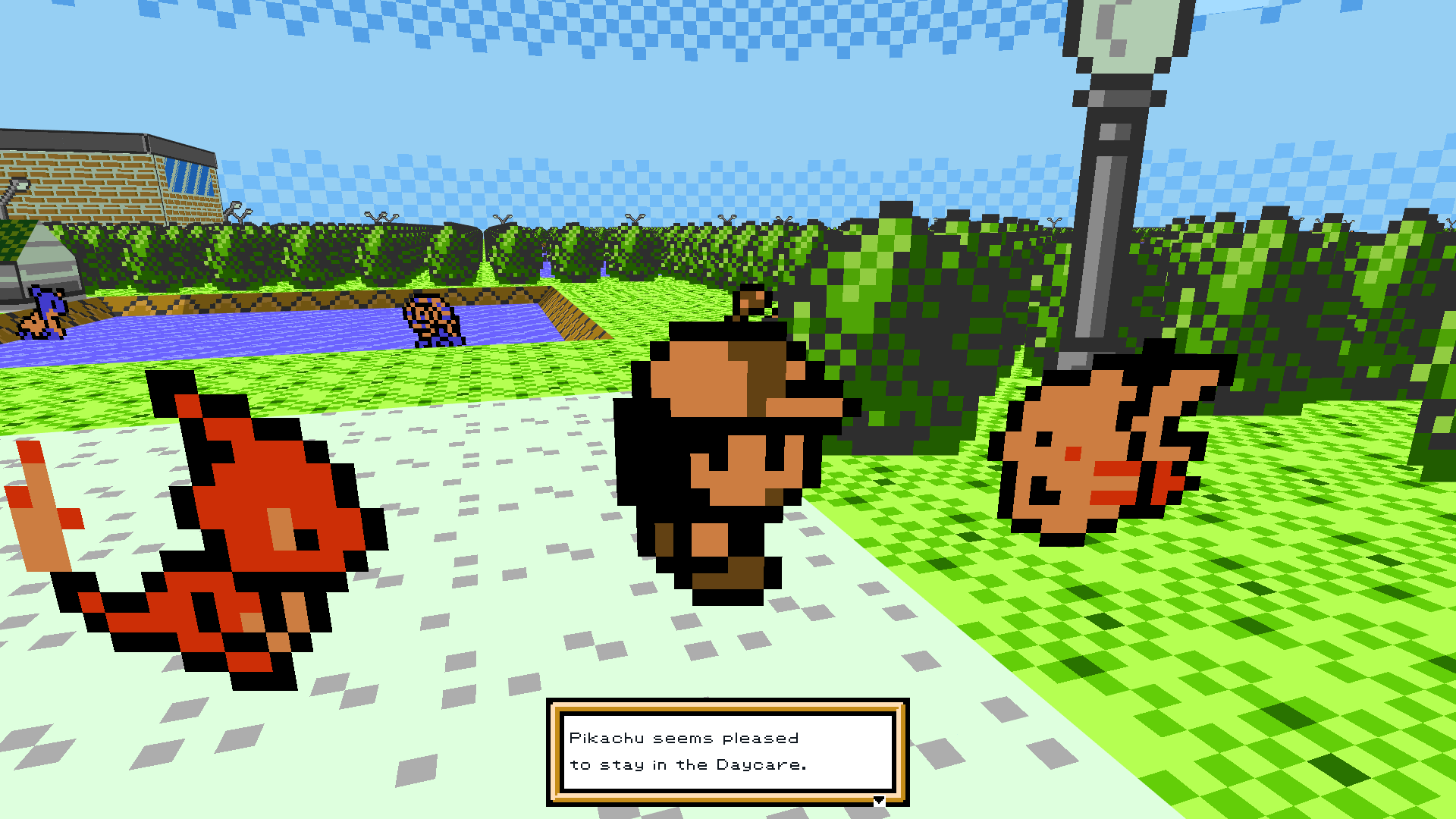
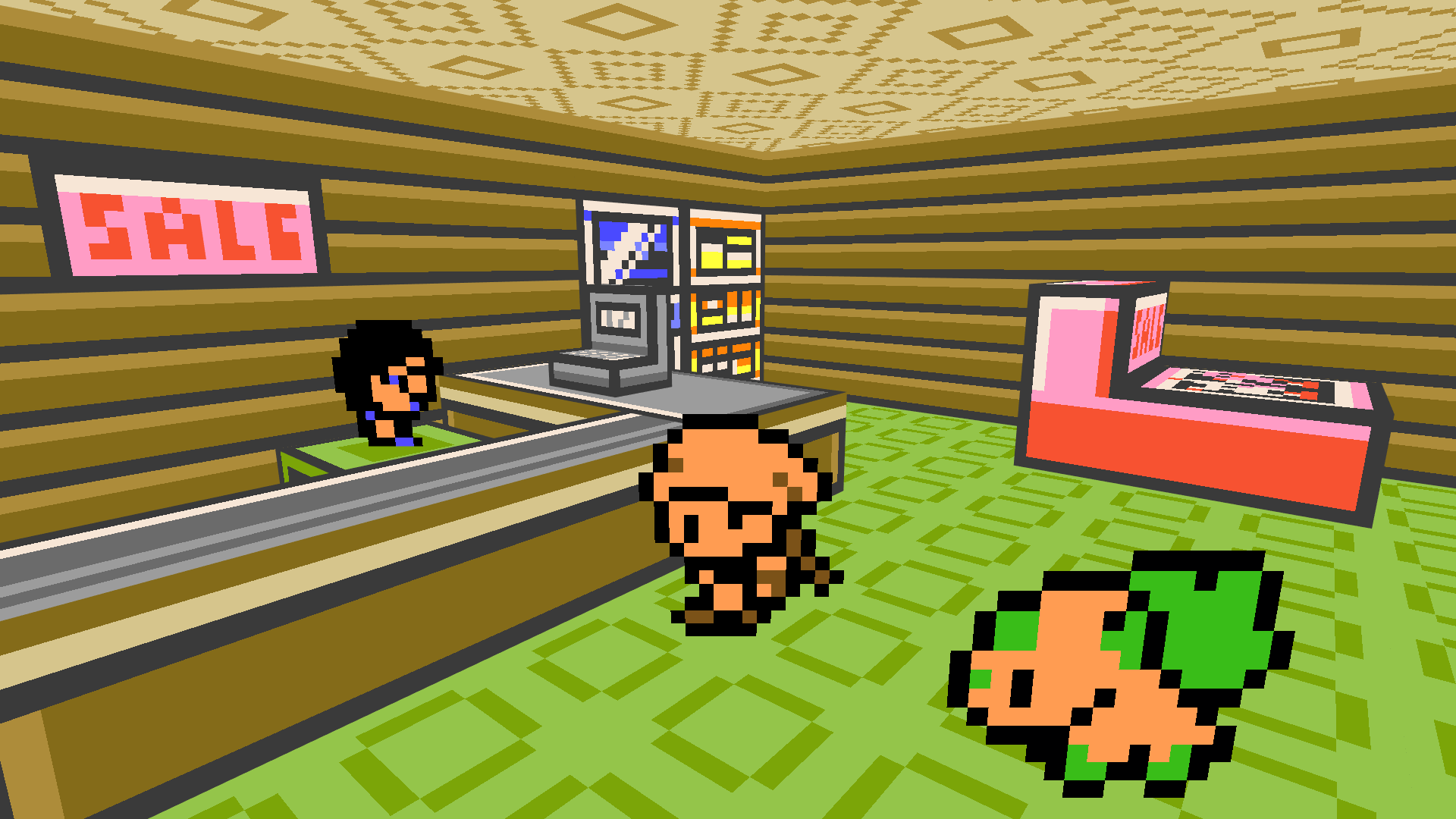
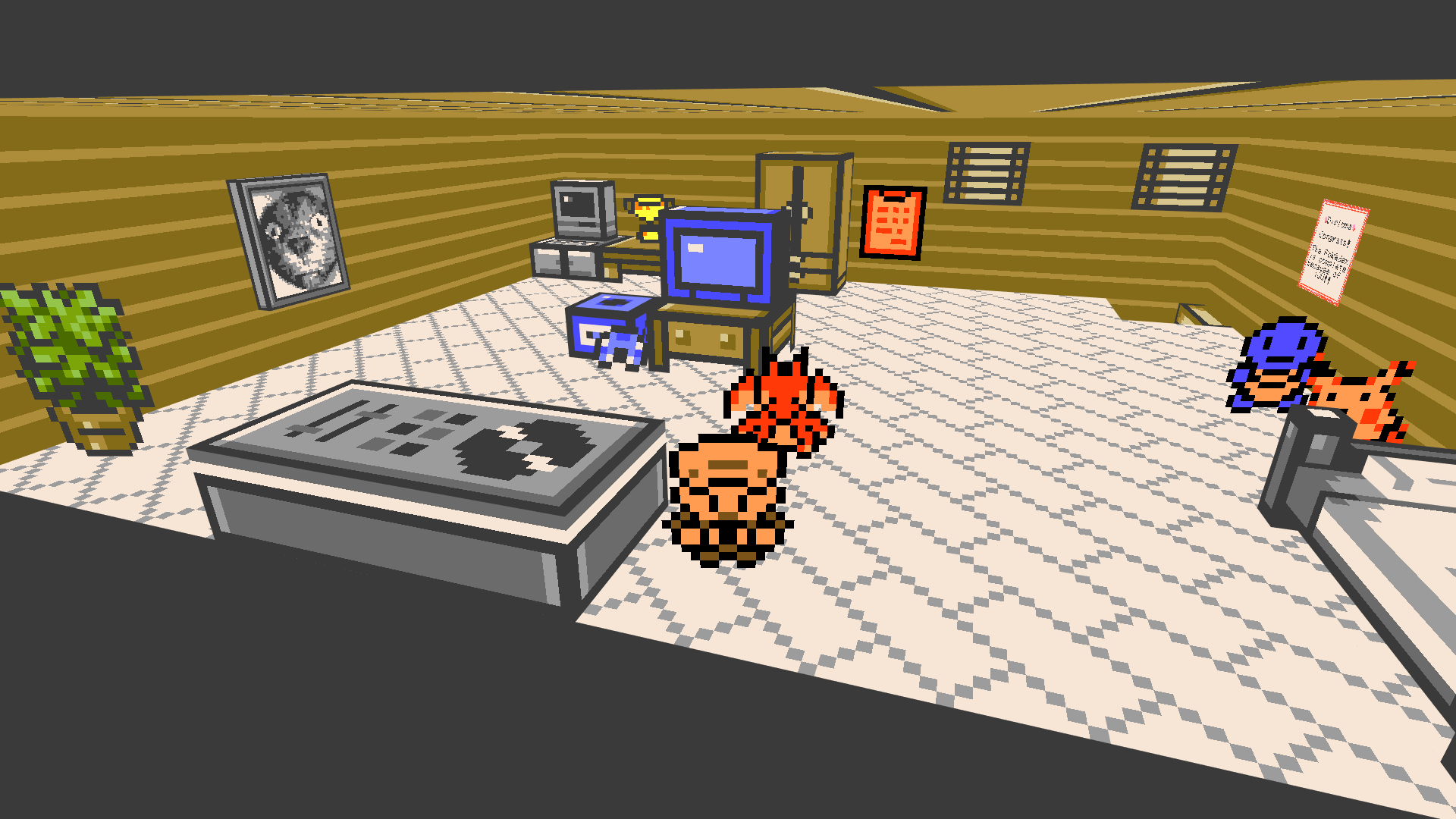
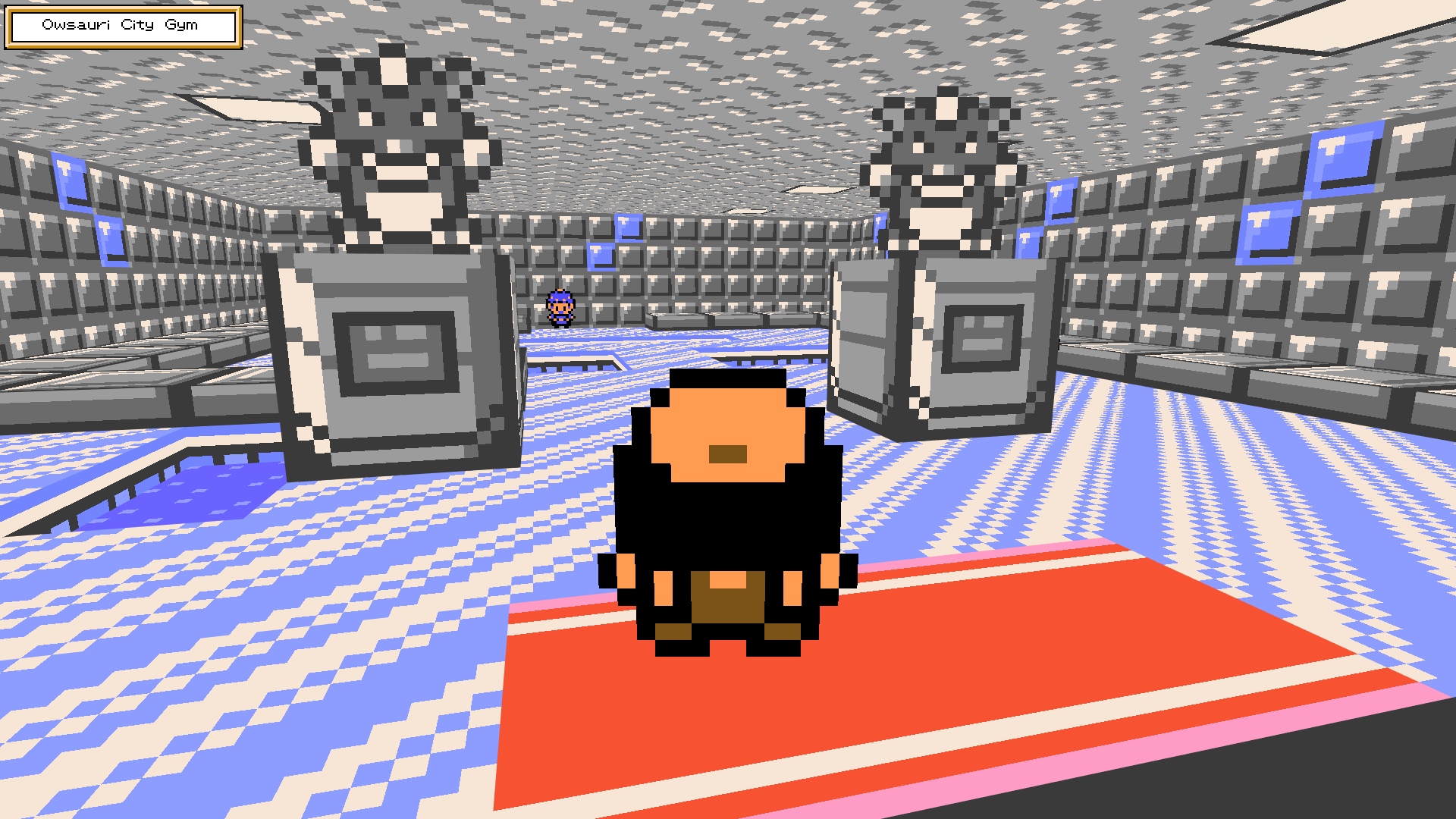
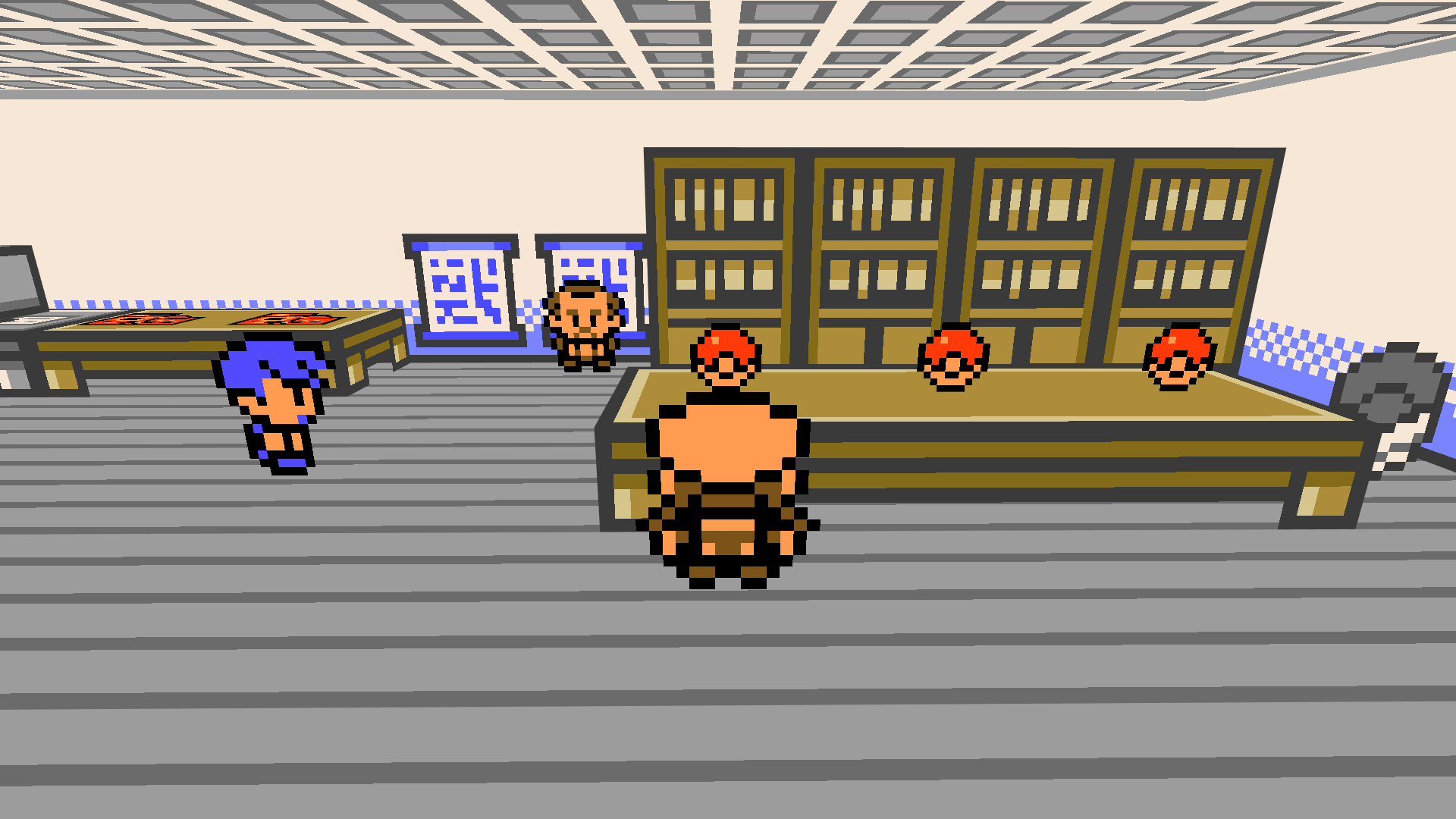
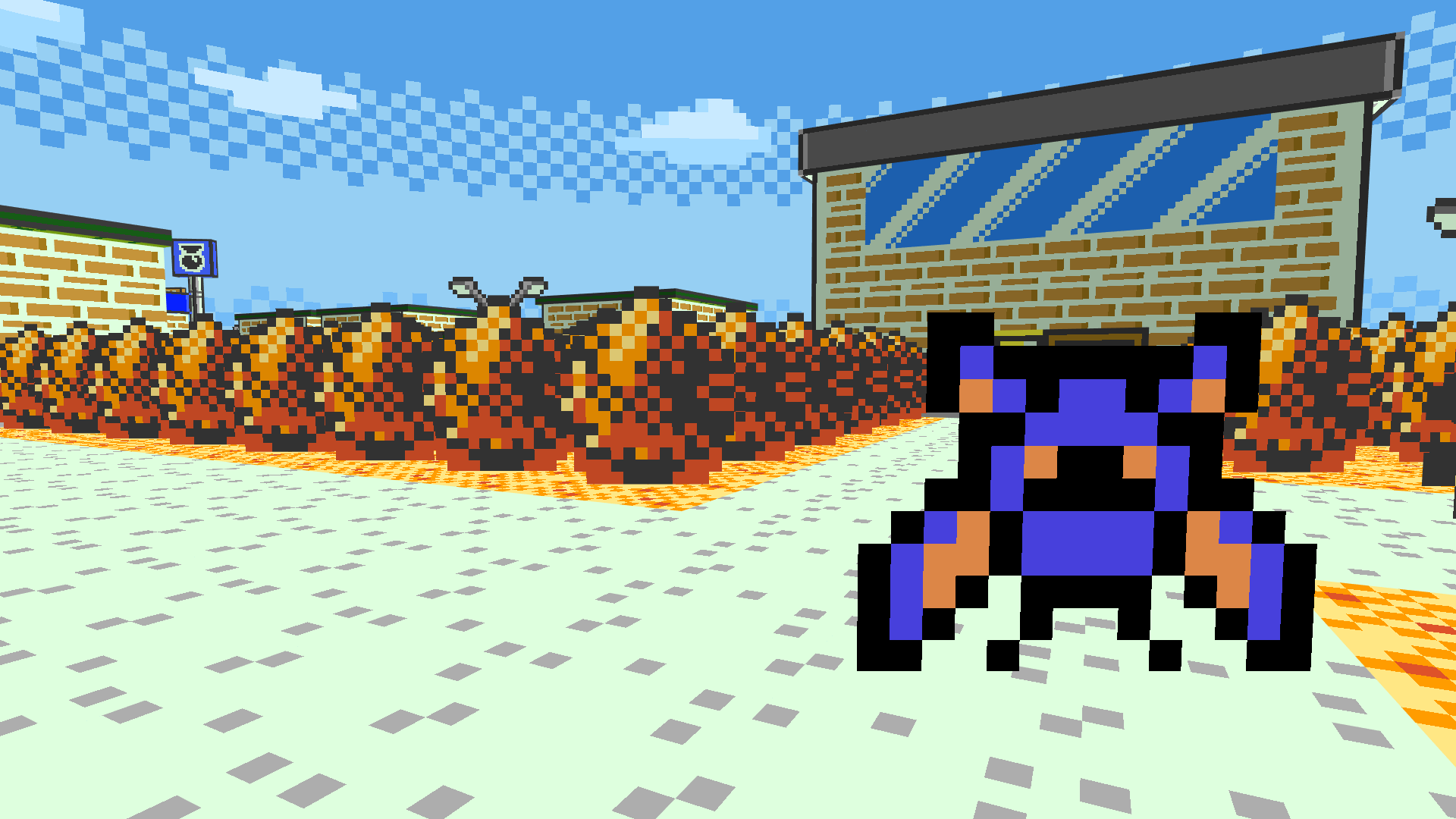
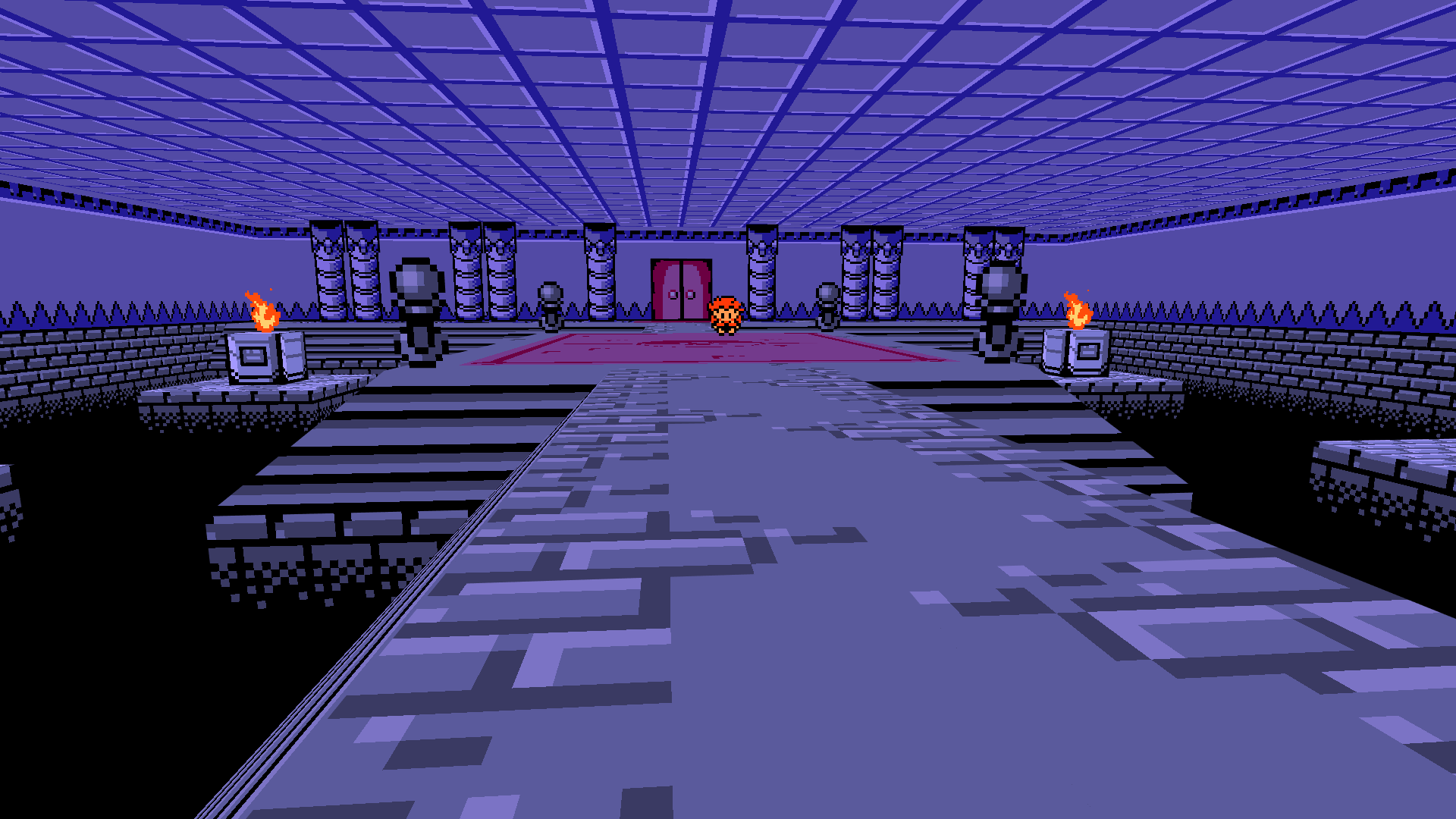
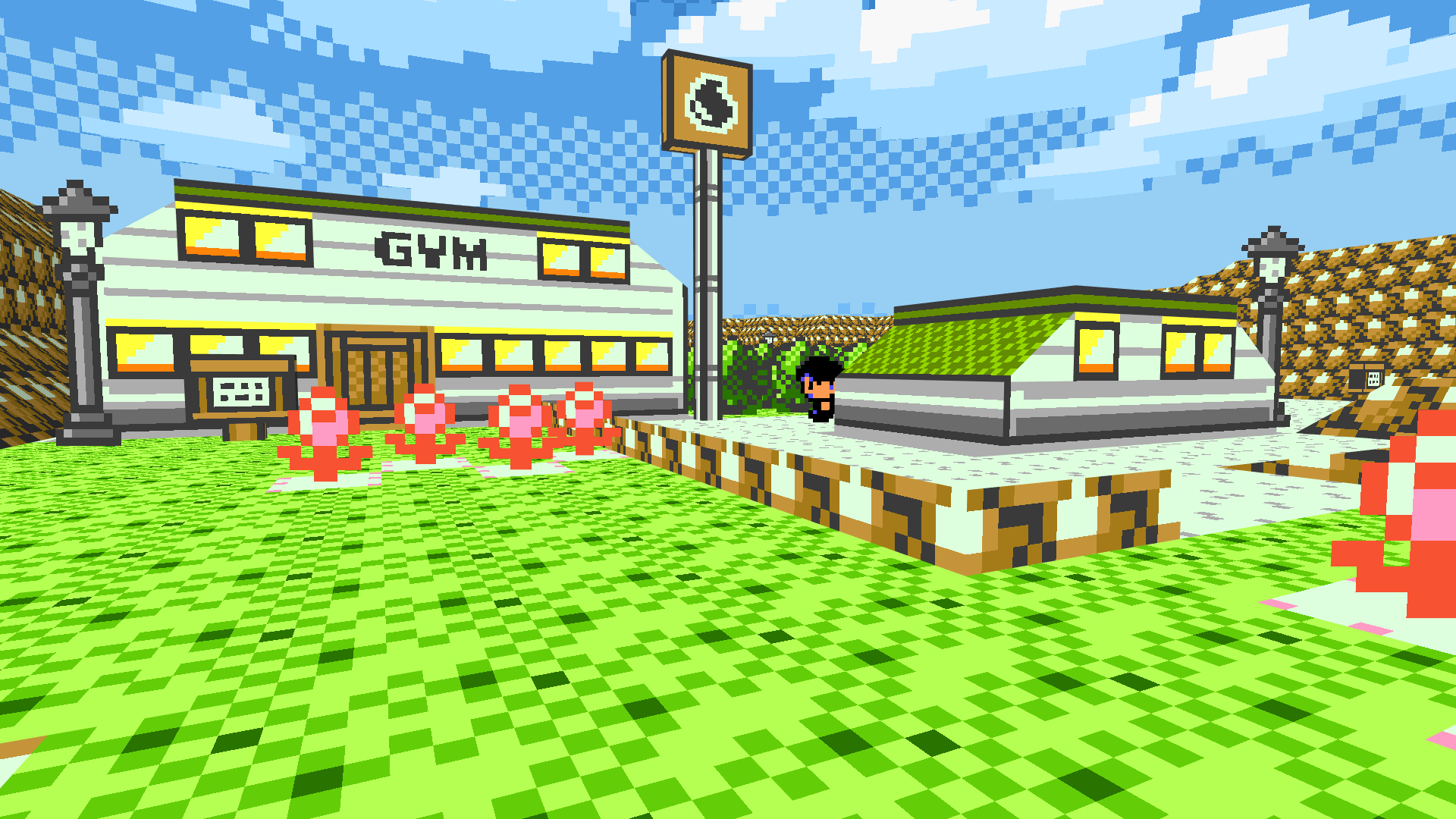
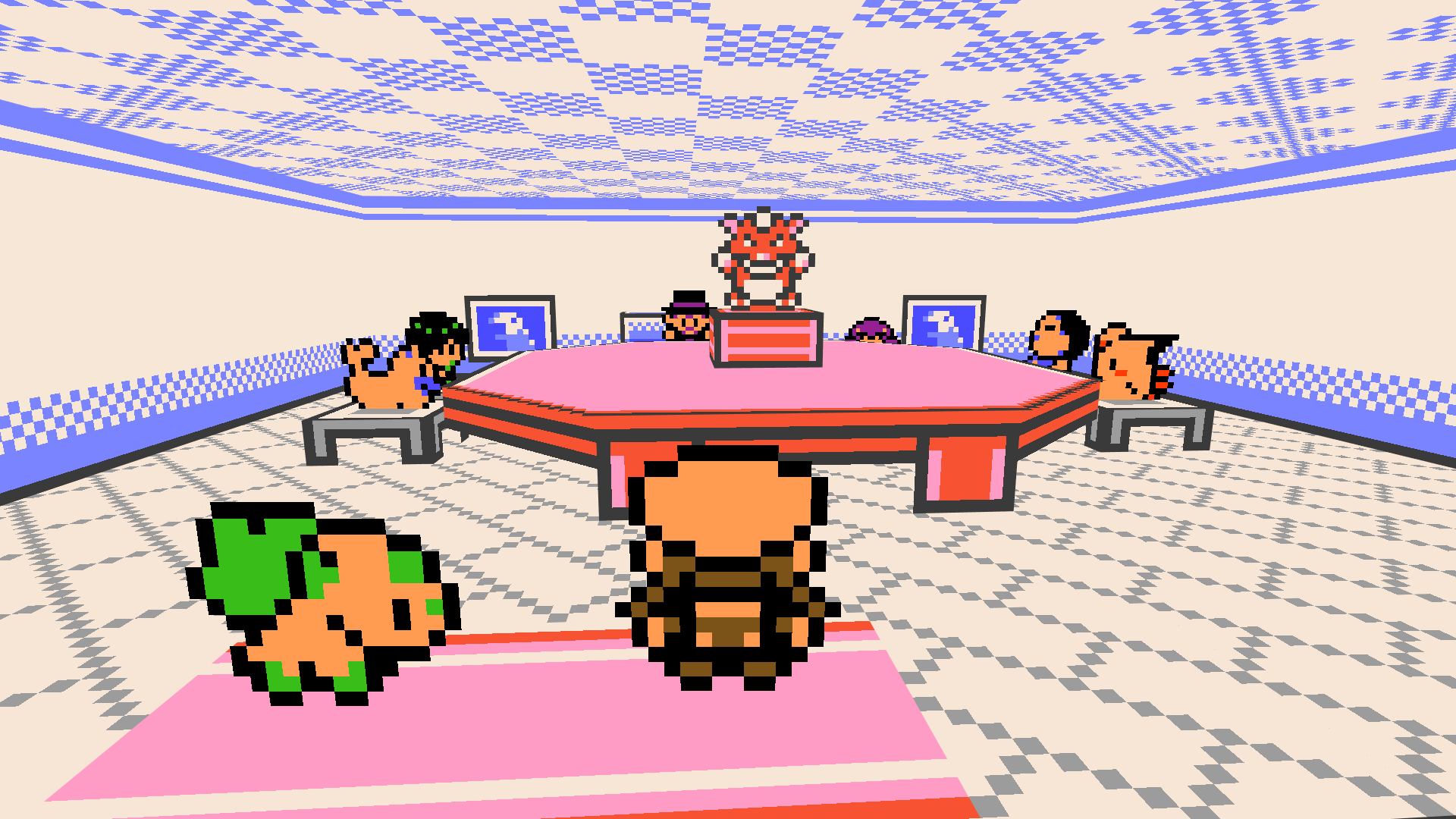
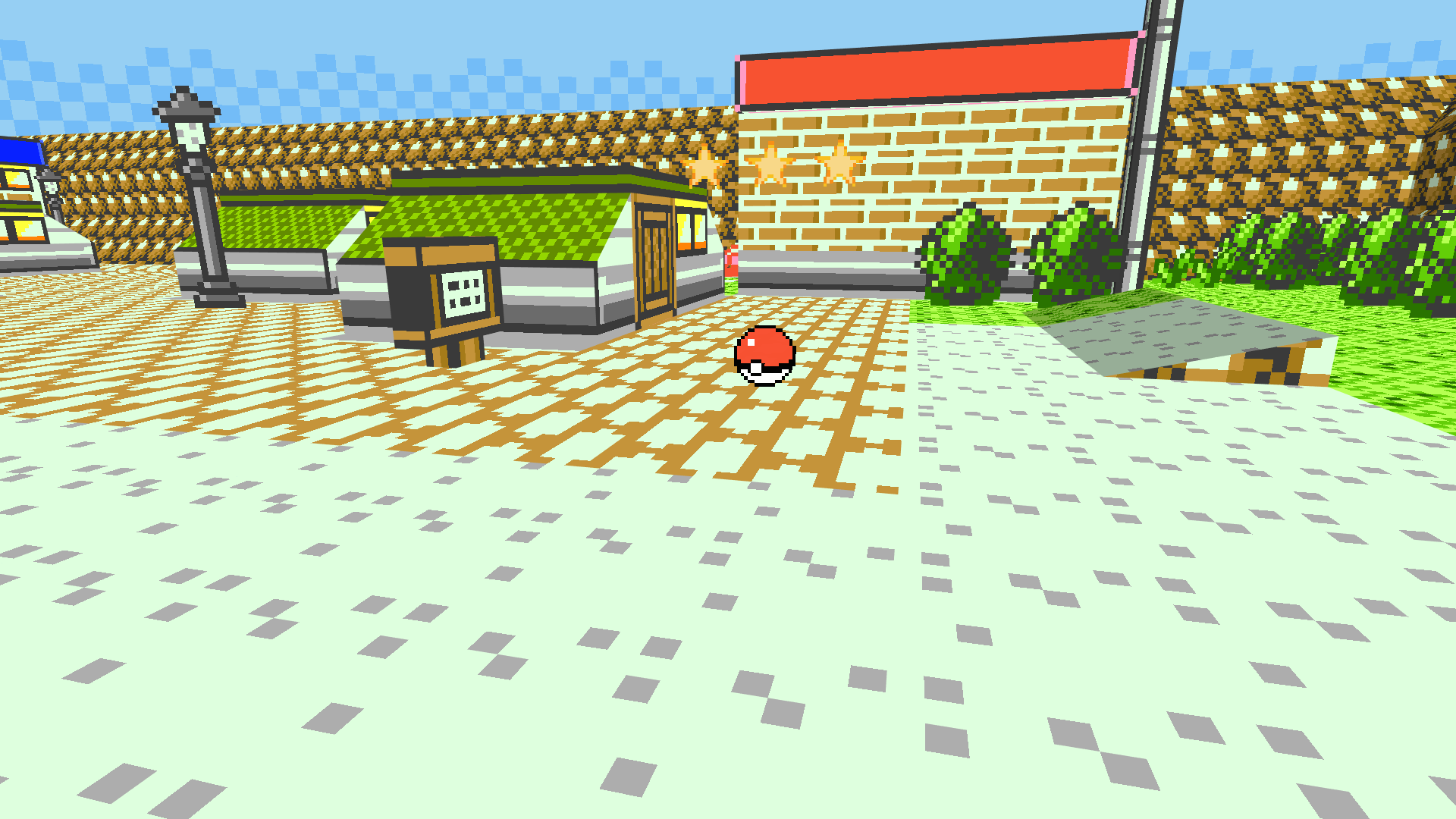
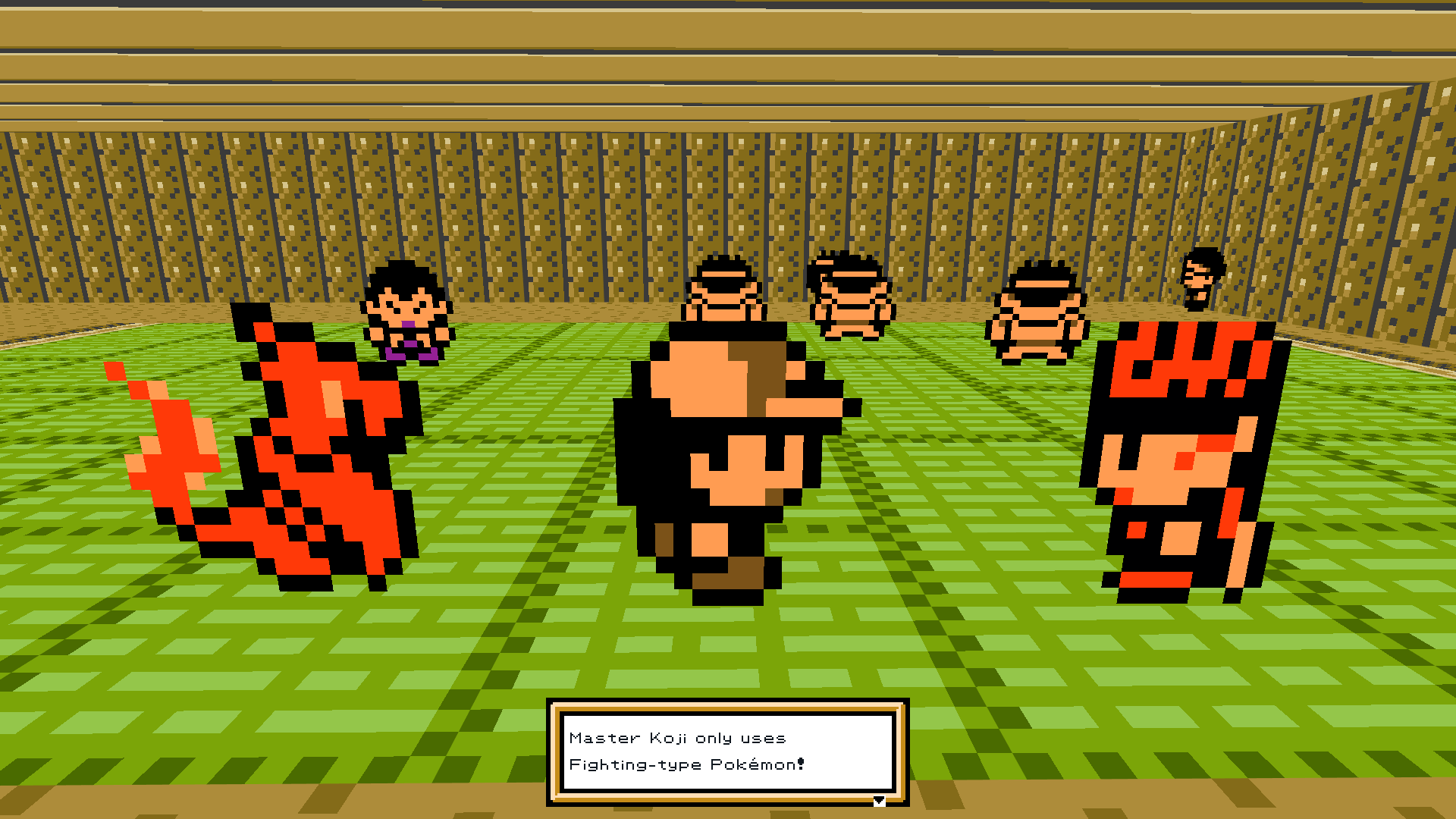
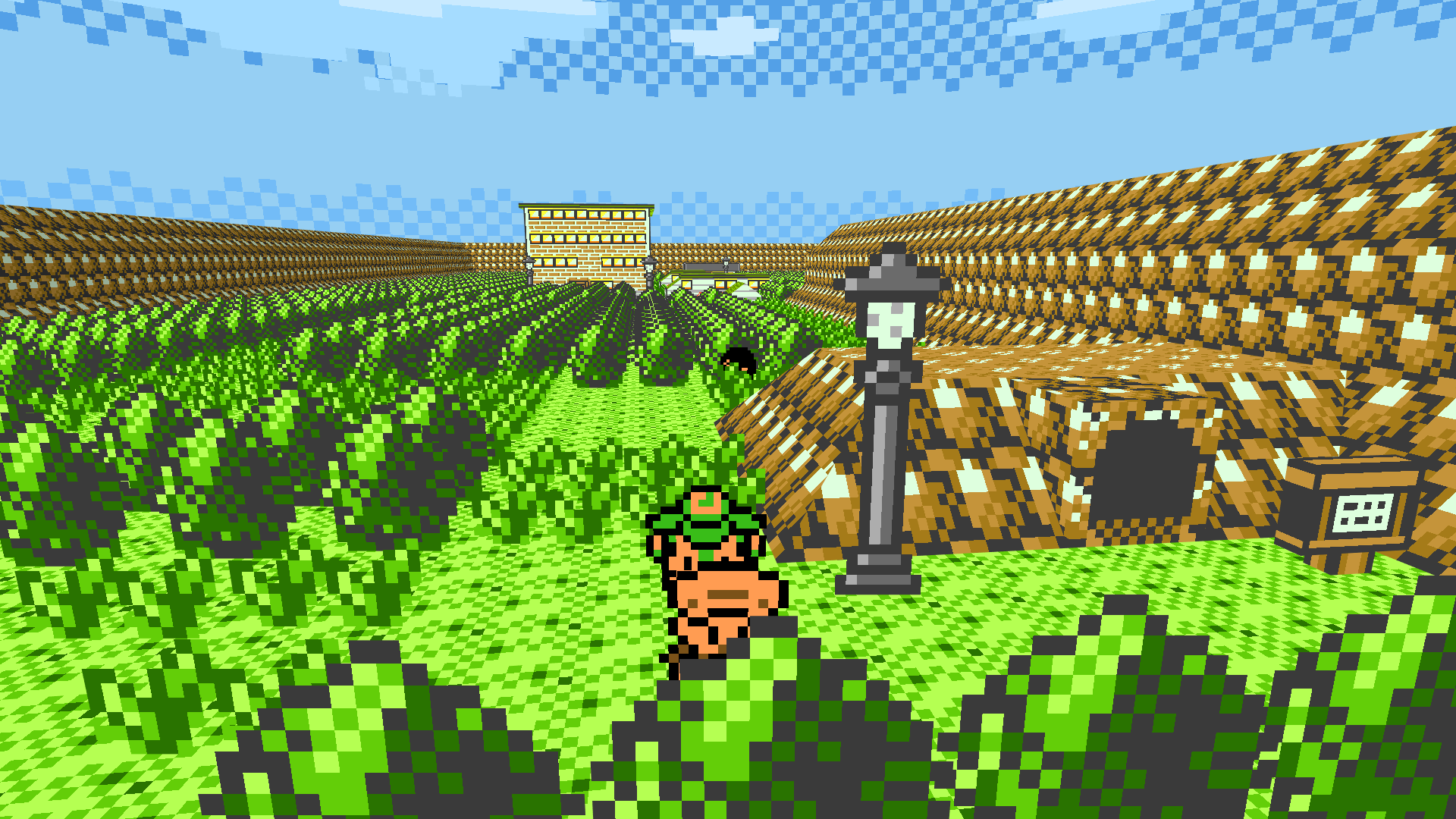
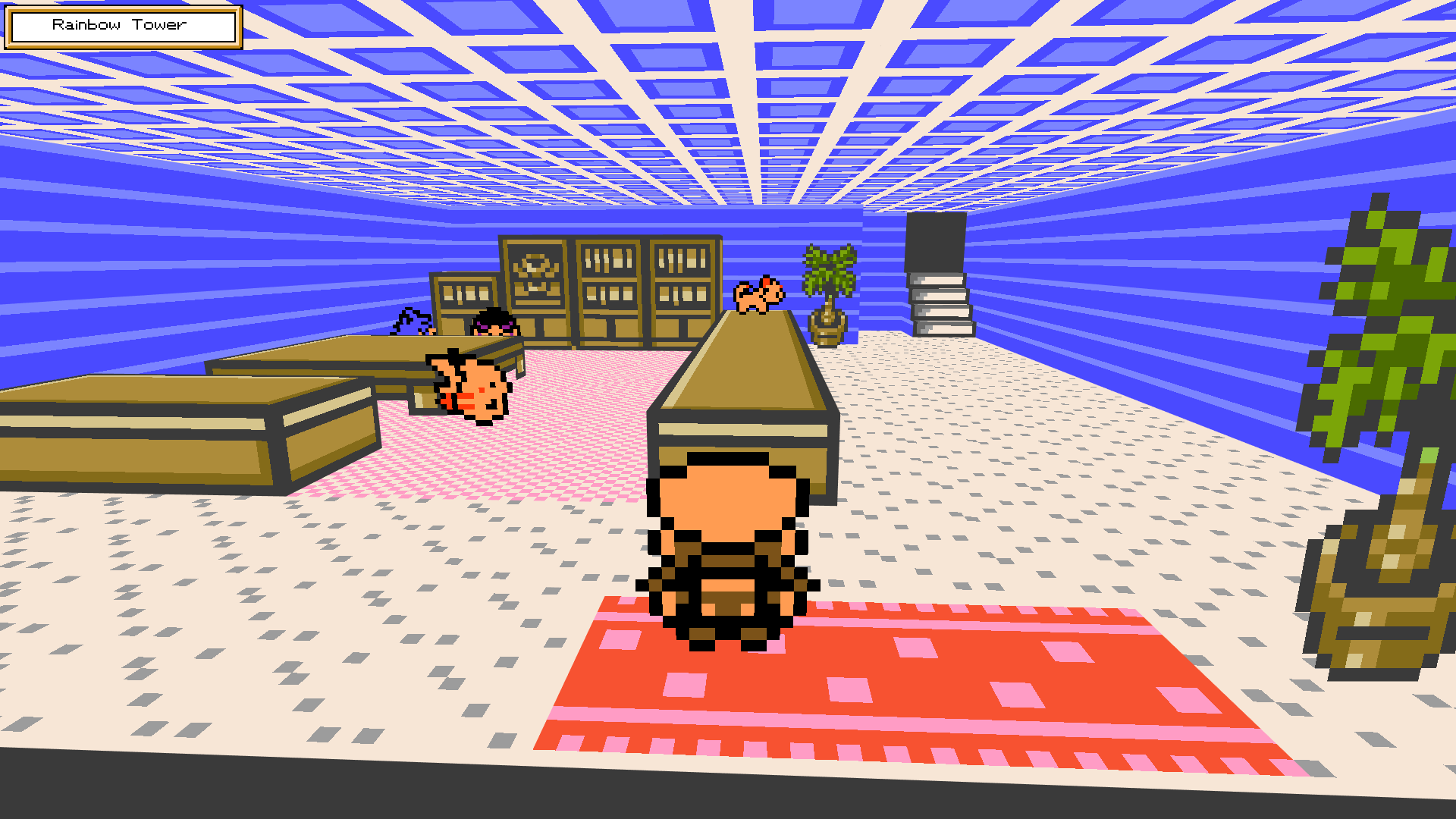
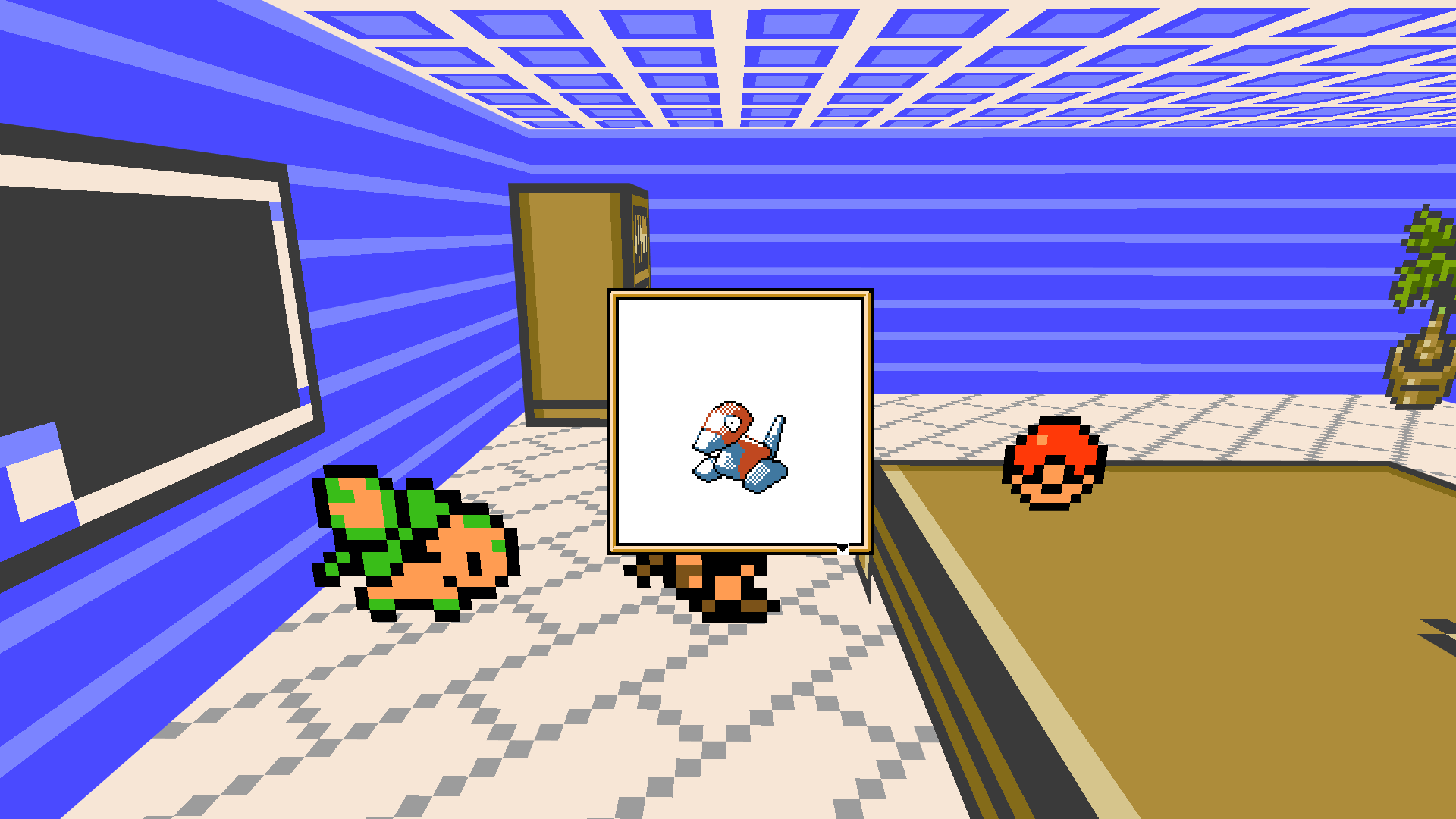
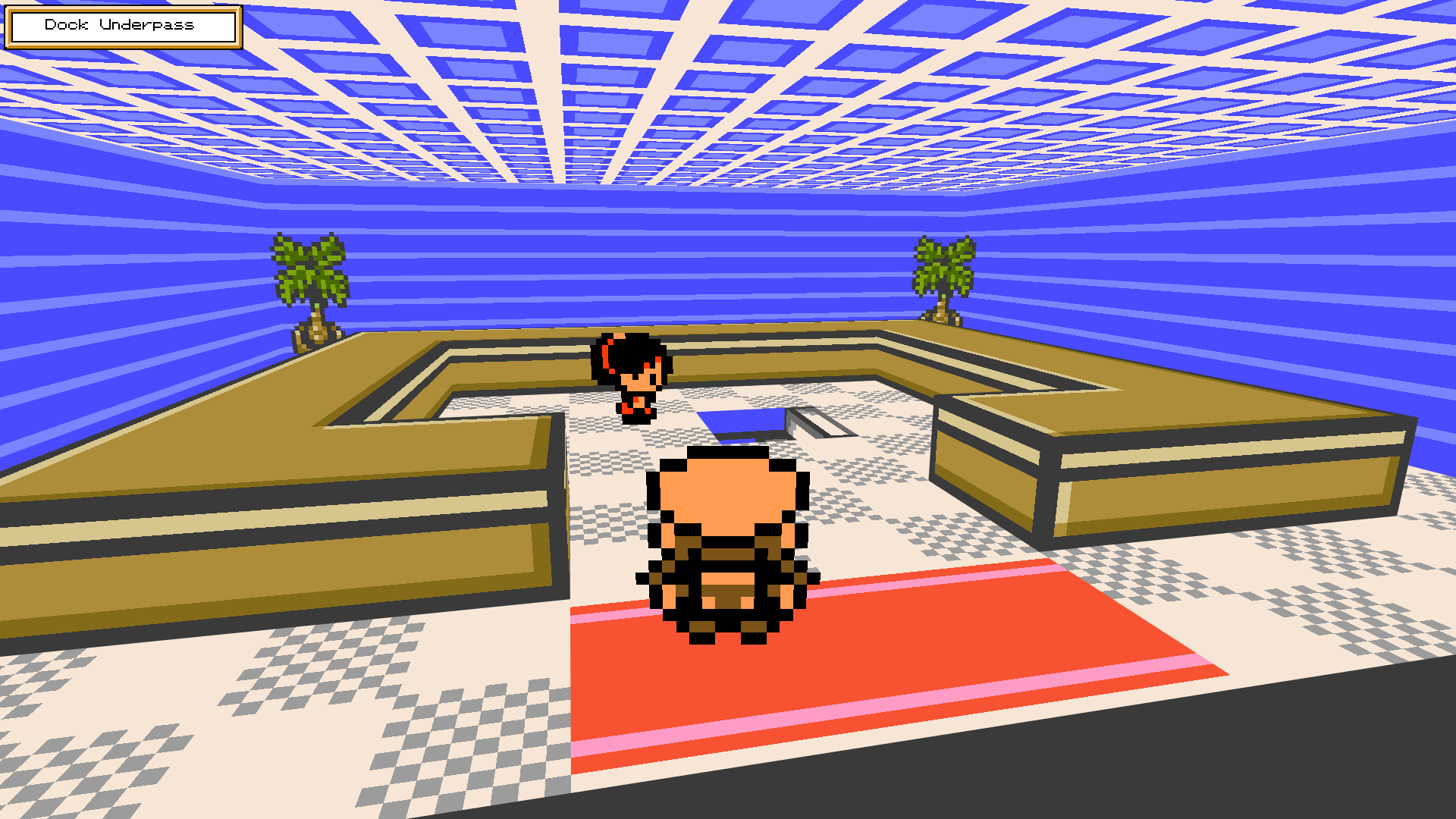
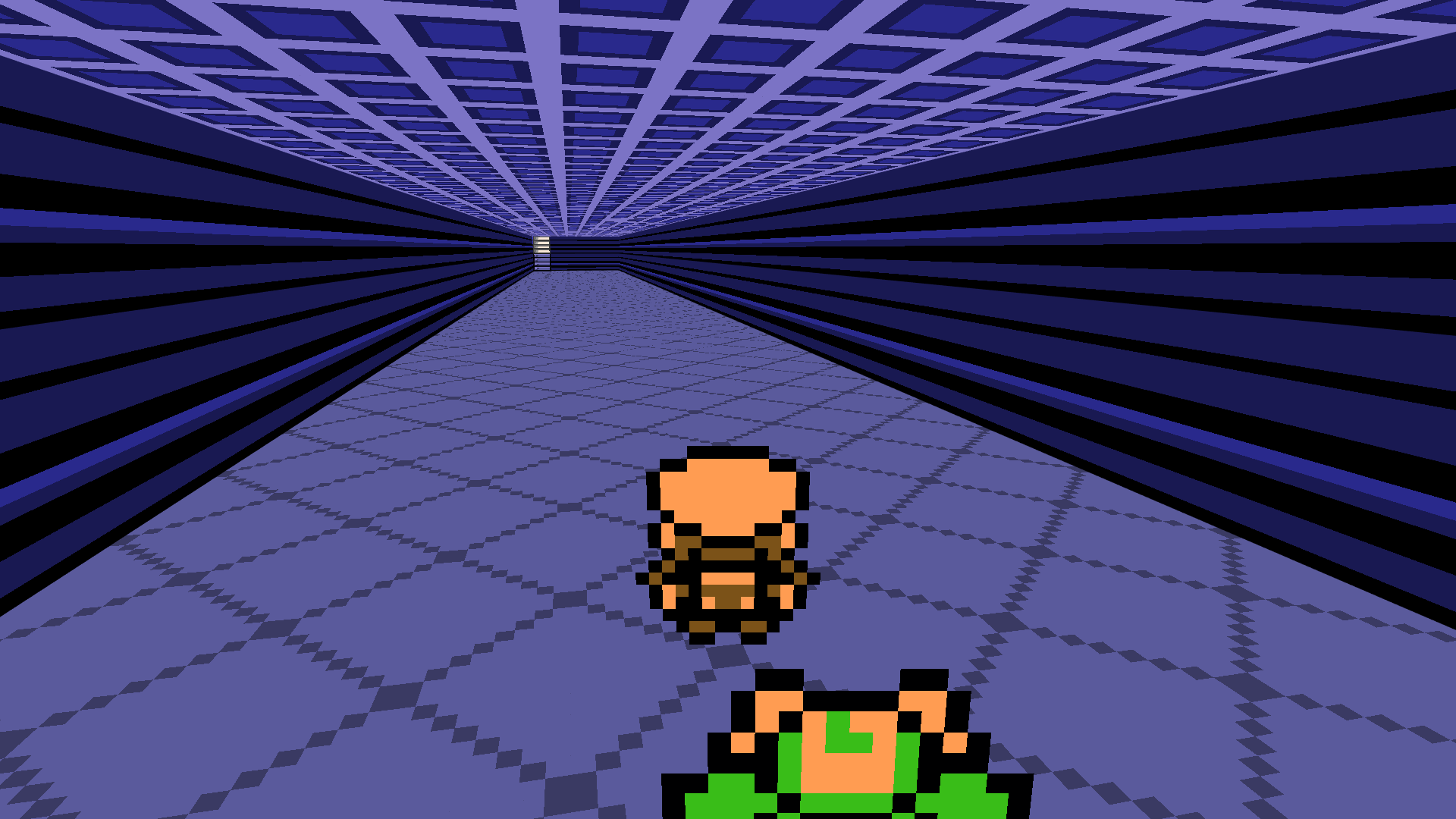
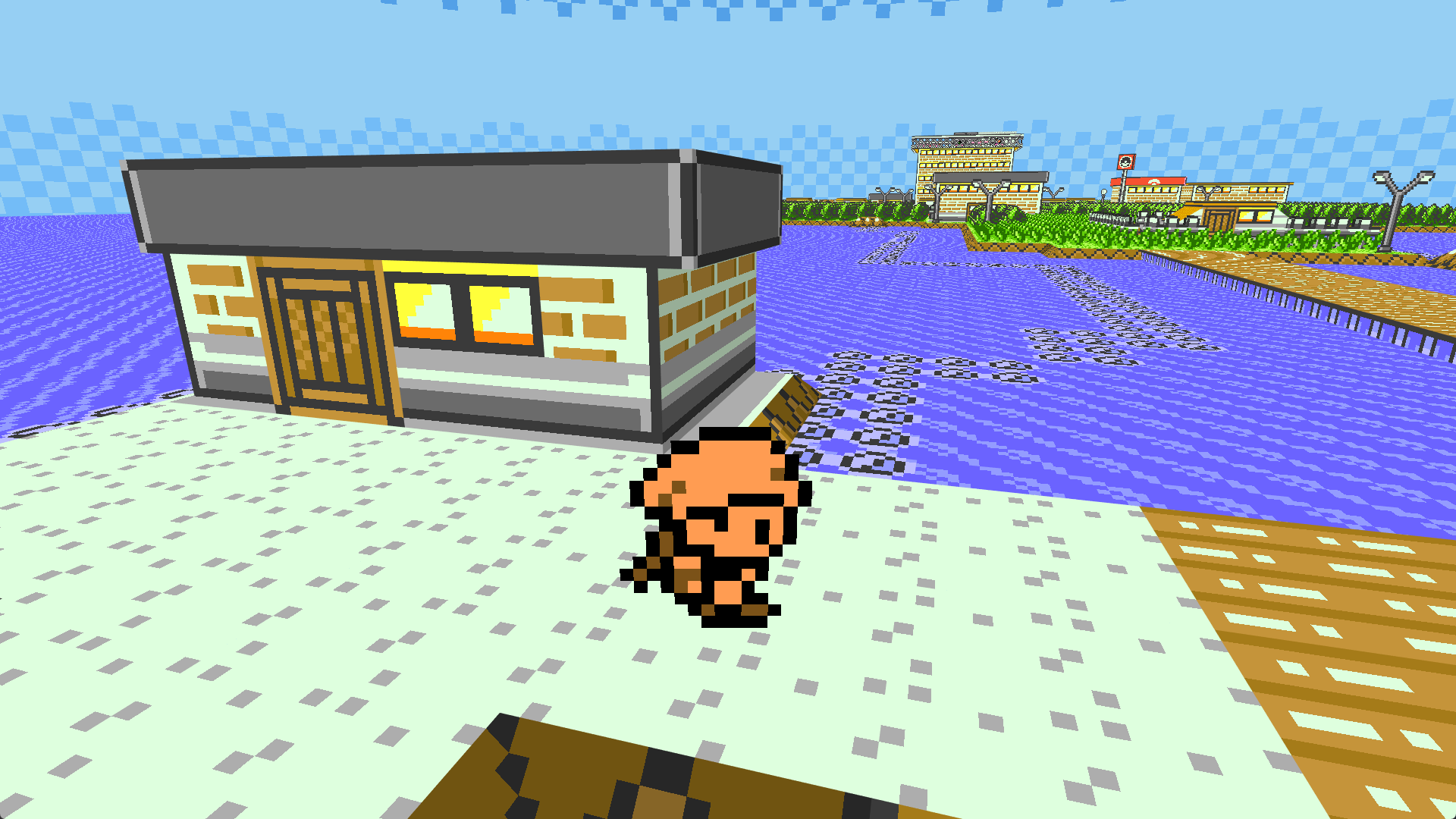
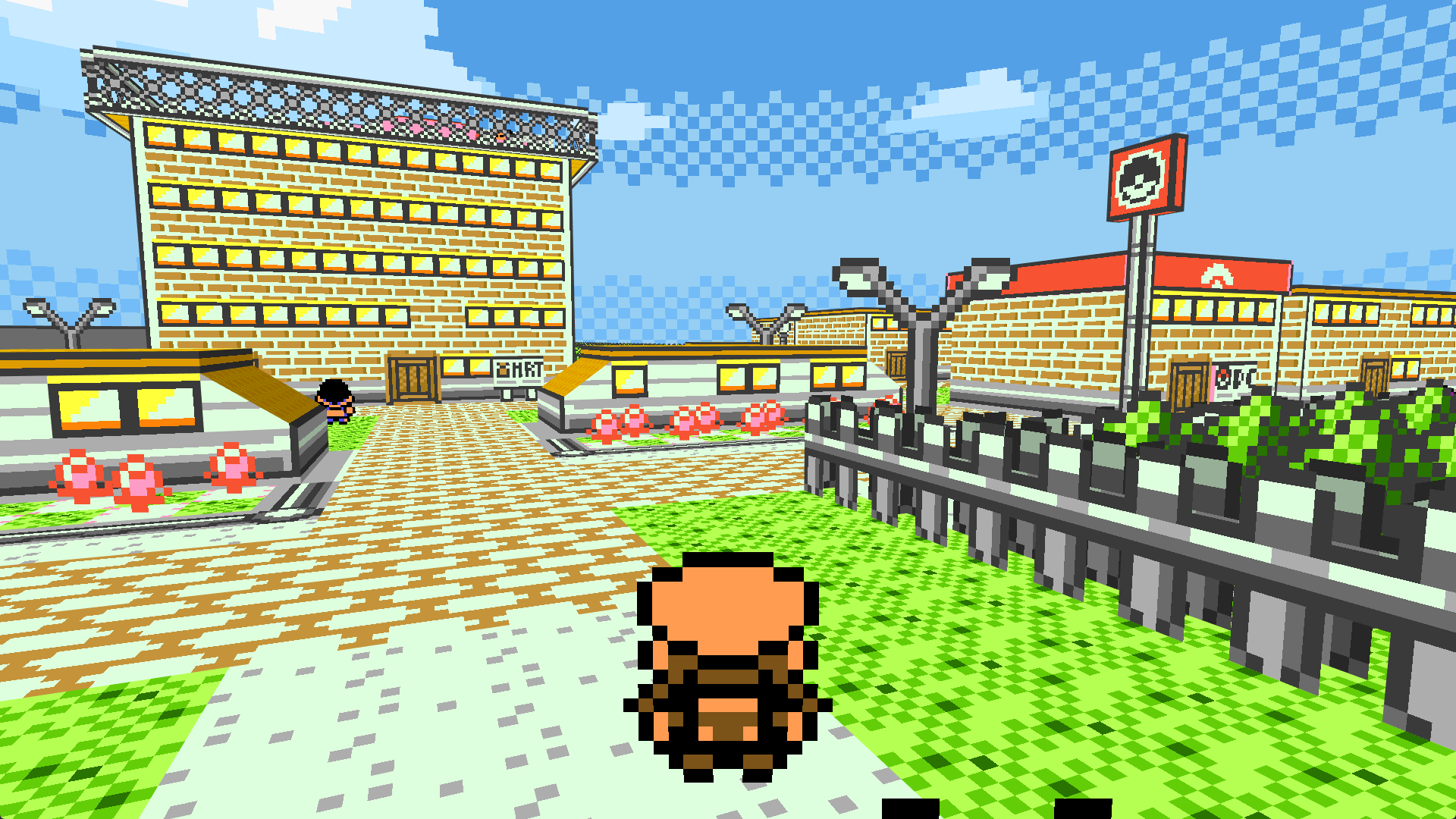
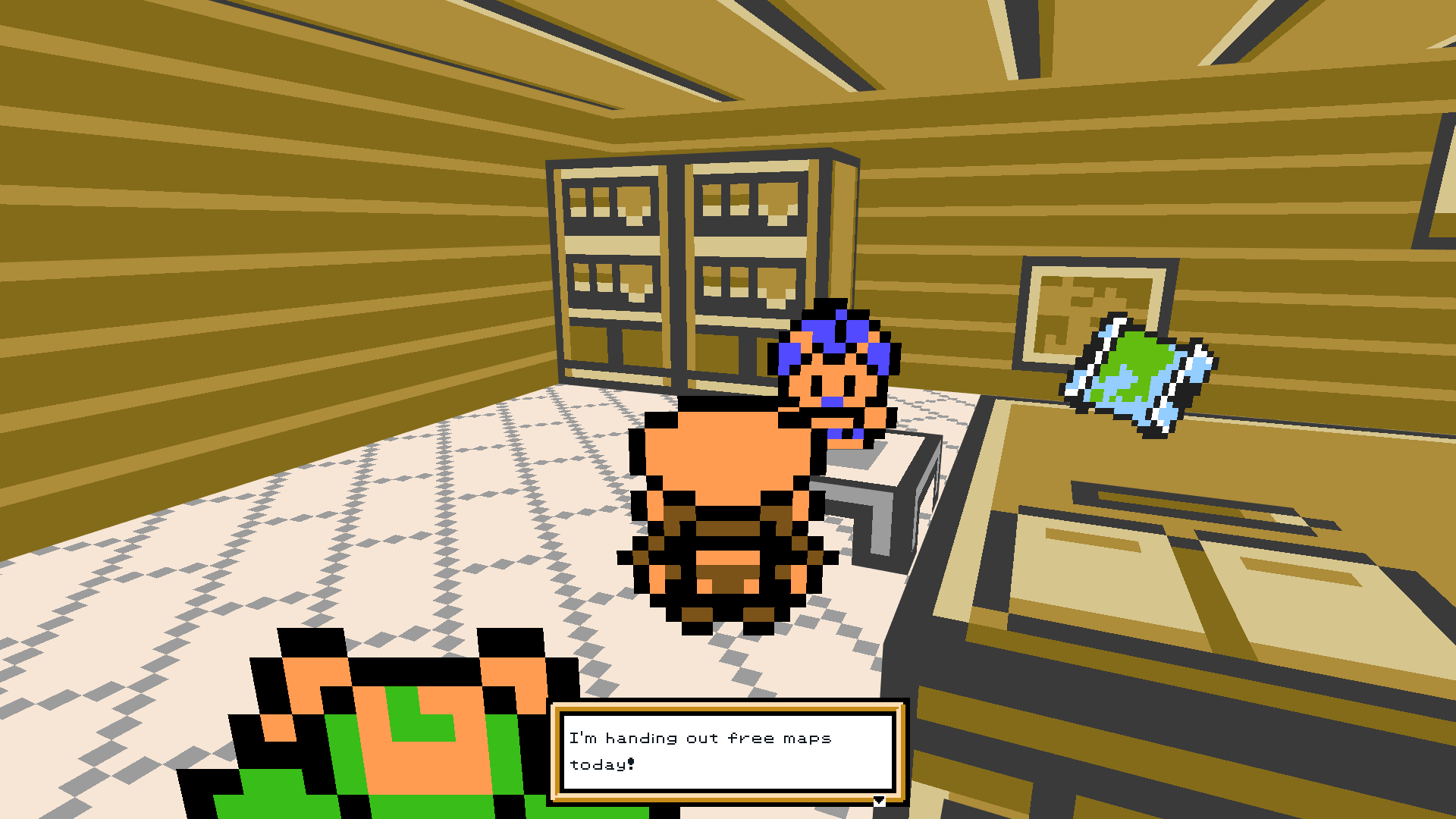
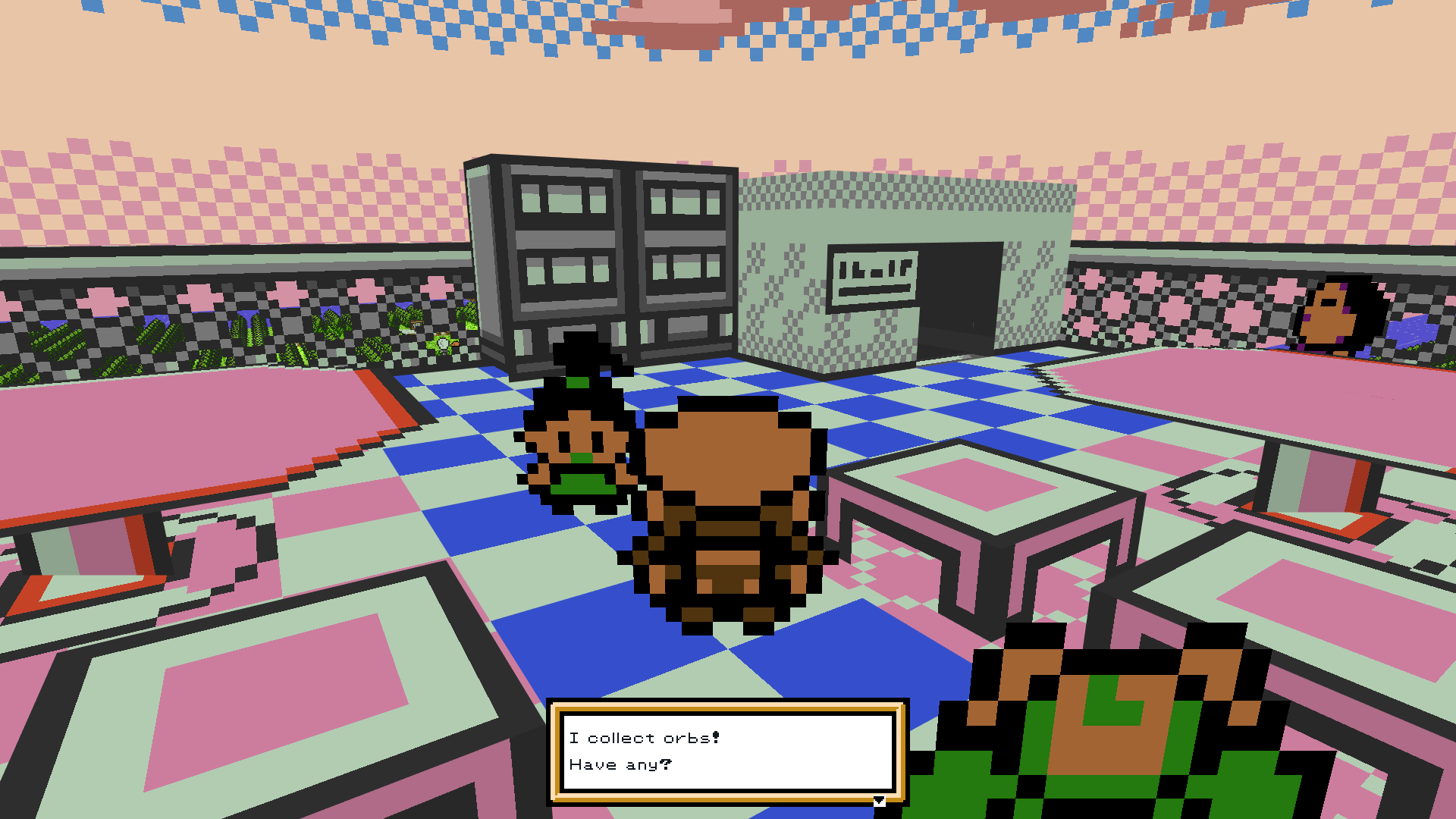
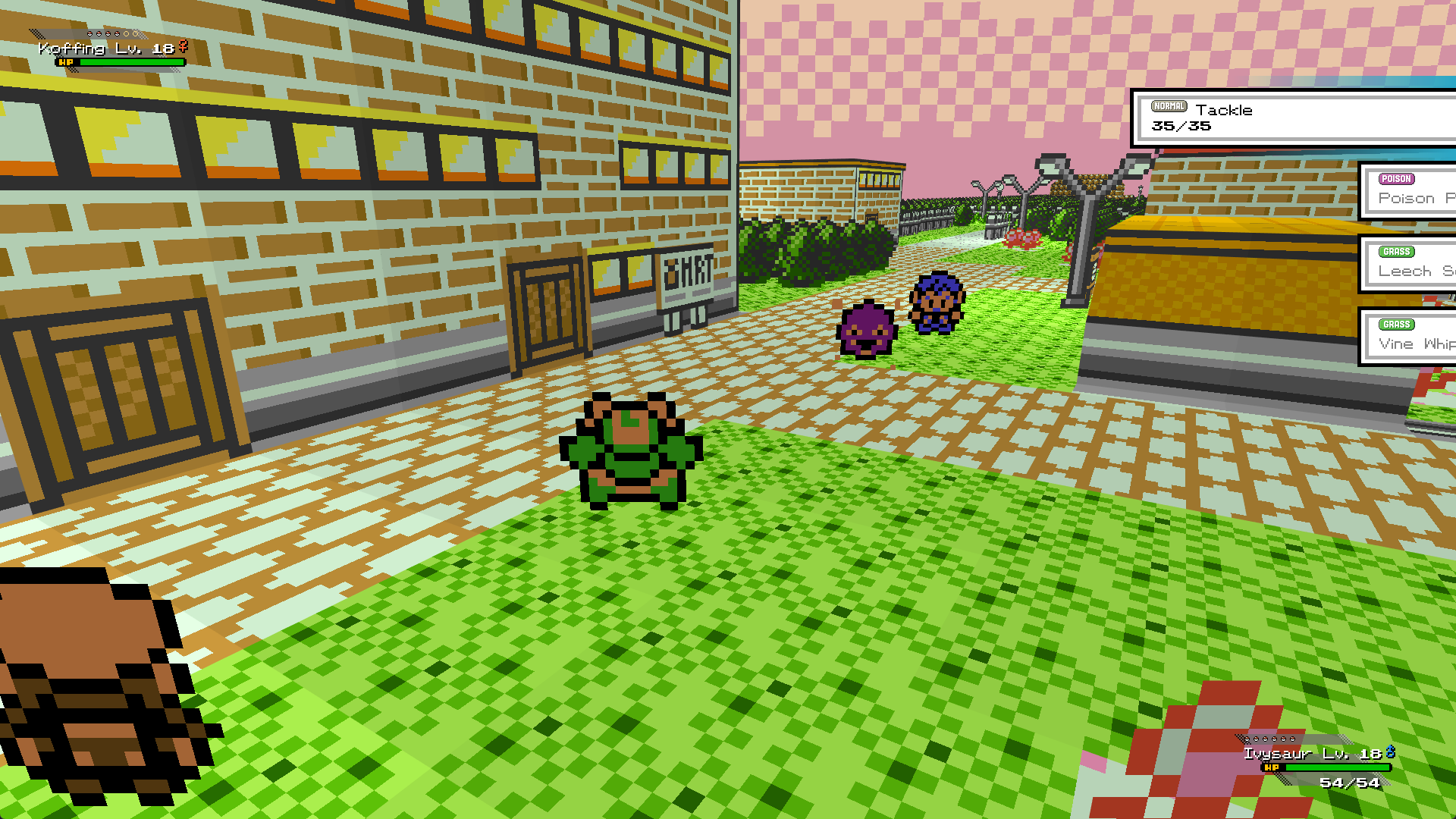
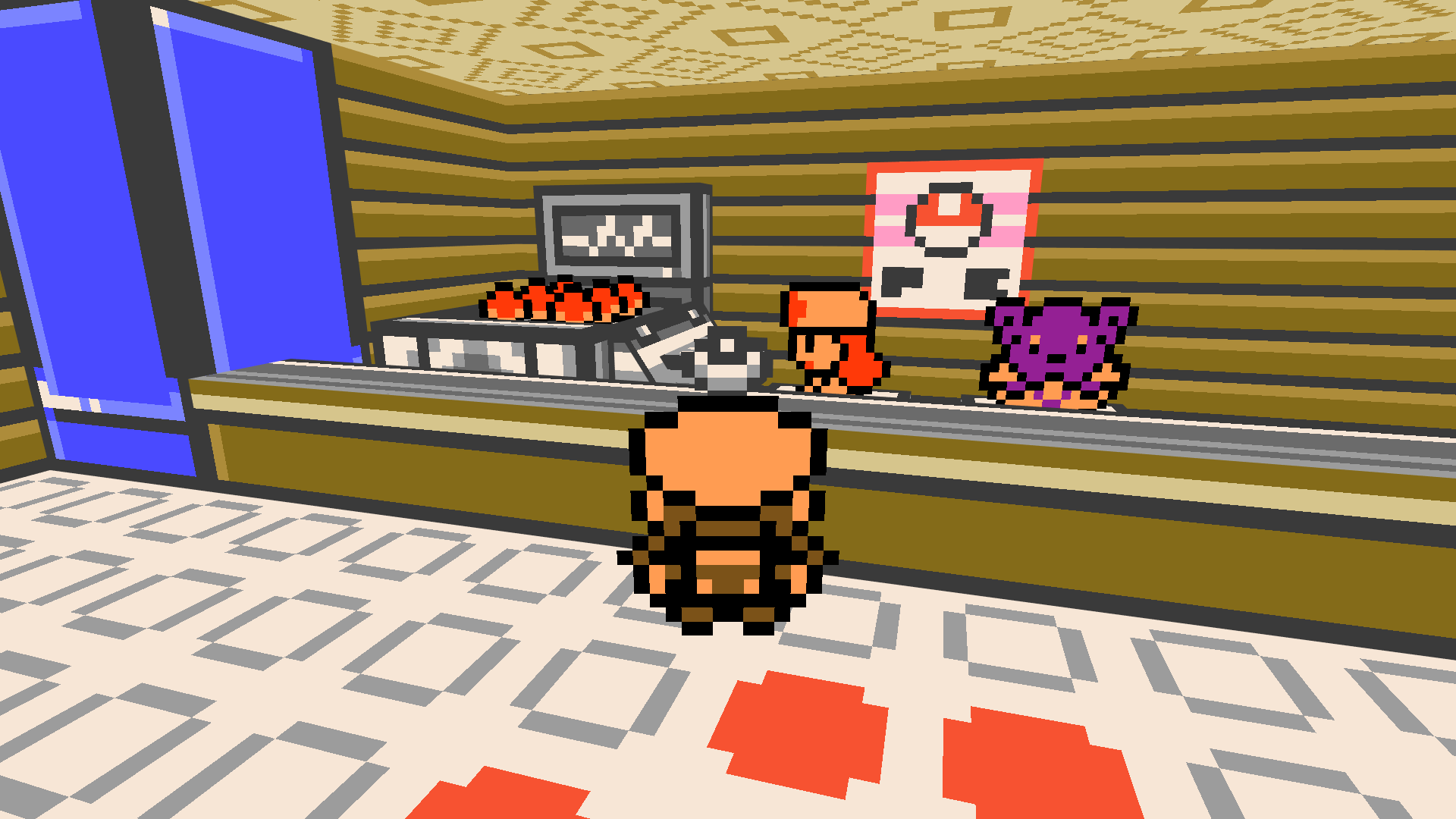
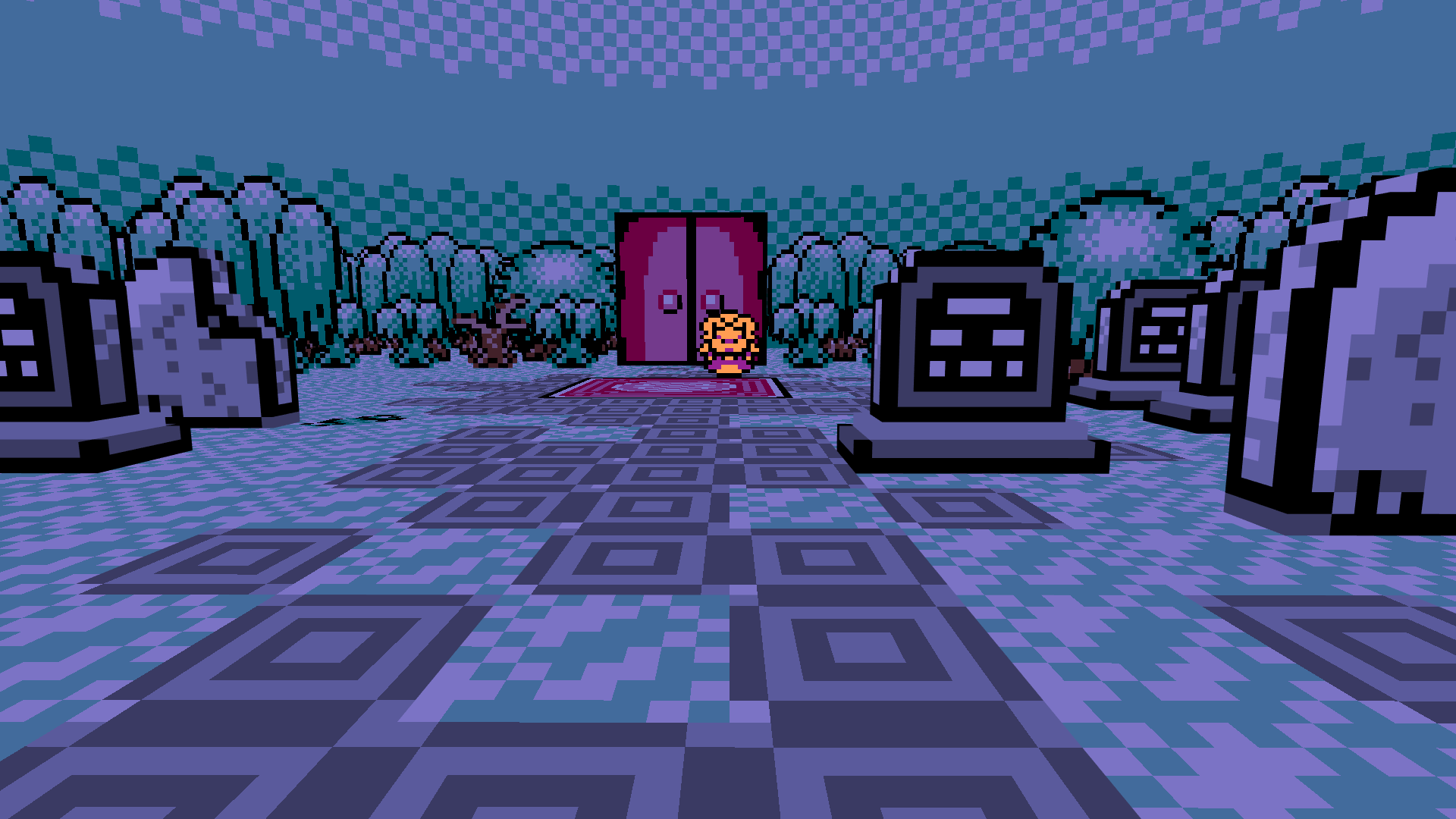
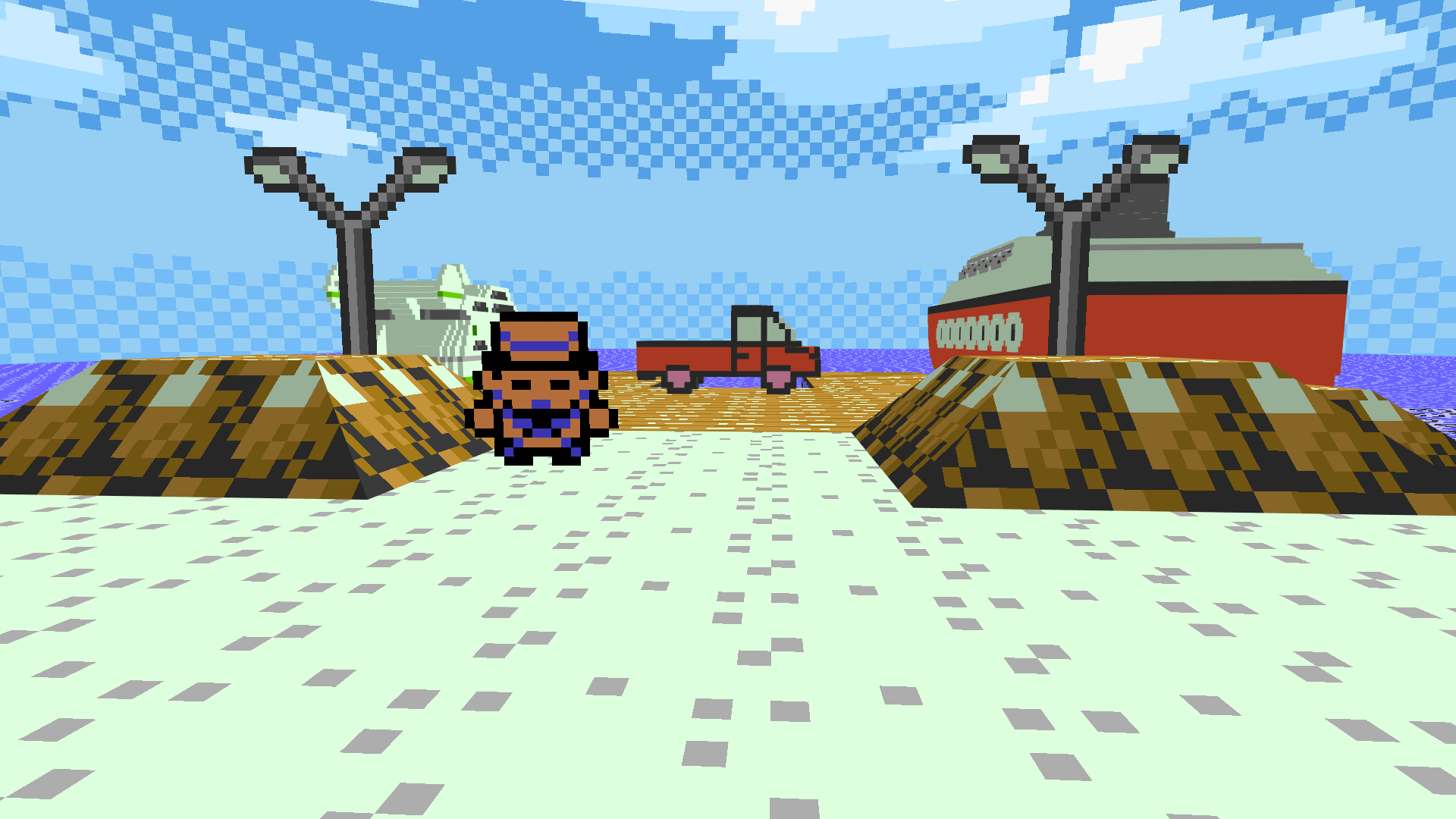
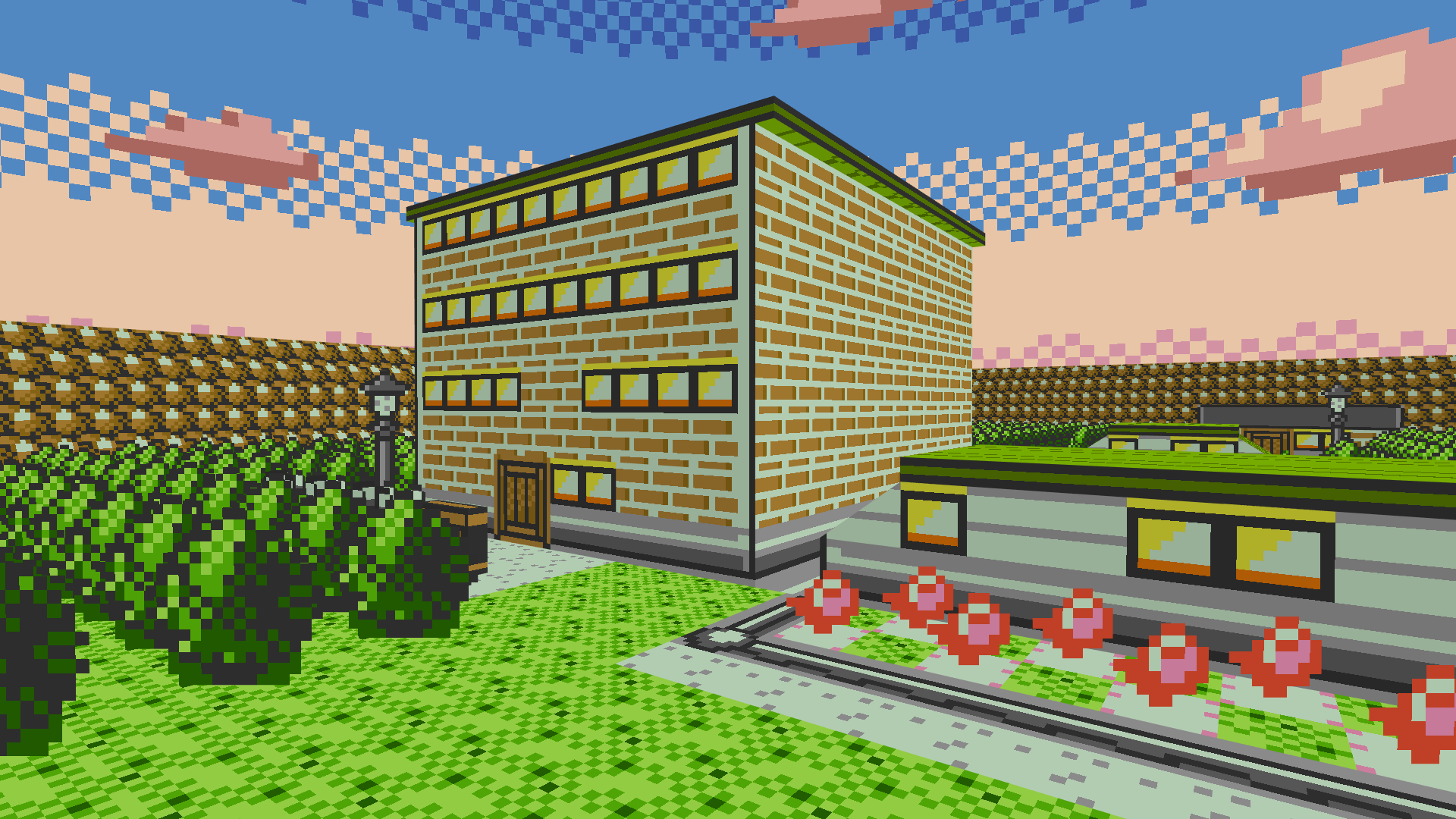
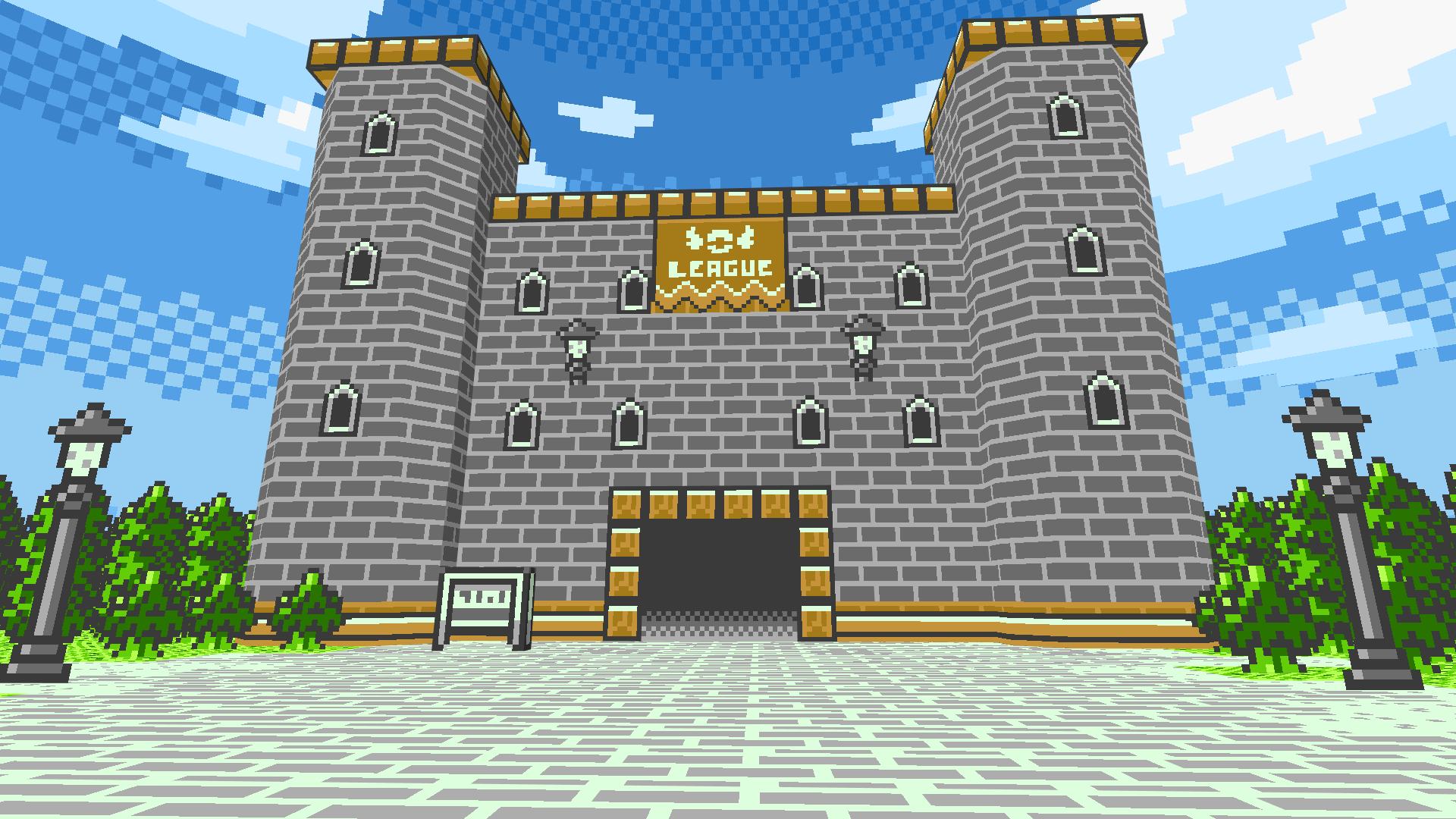
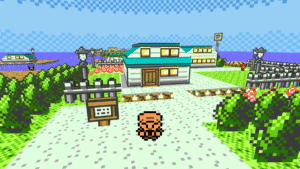
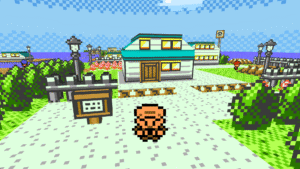
Explore the region of Rijon in full 3D, viewing the world from your character's viewpoint.
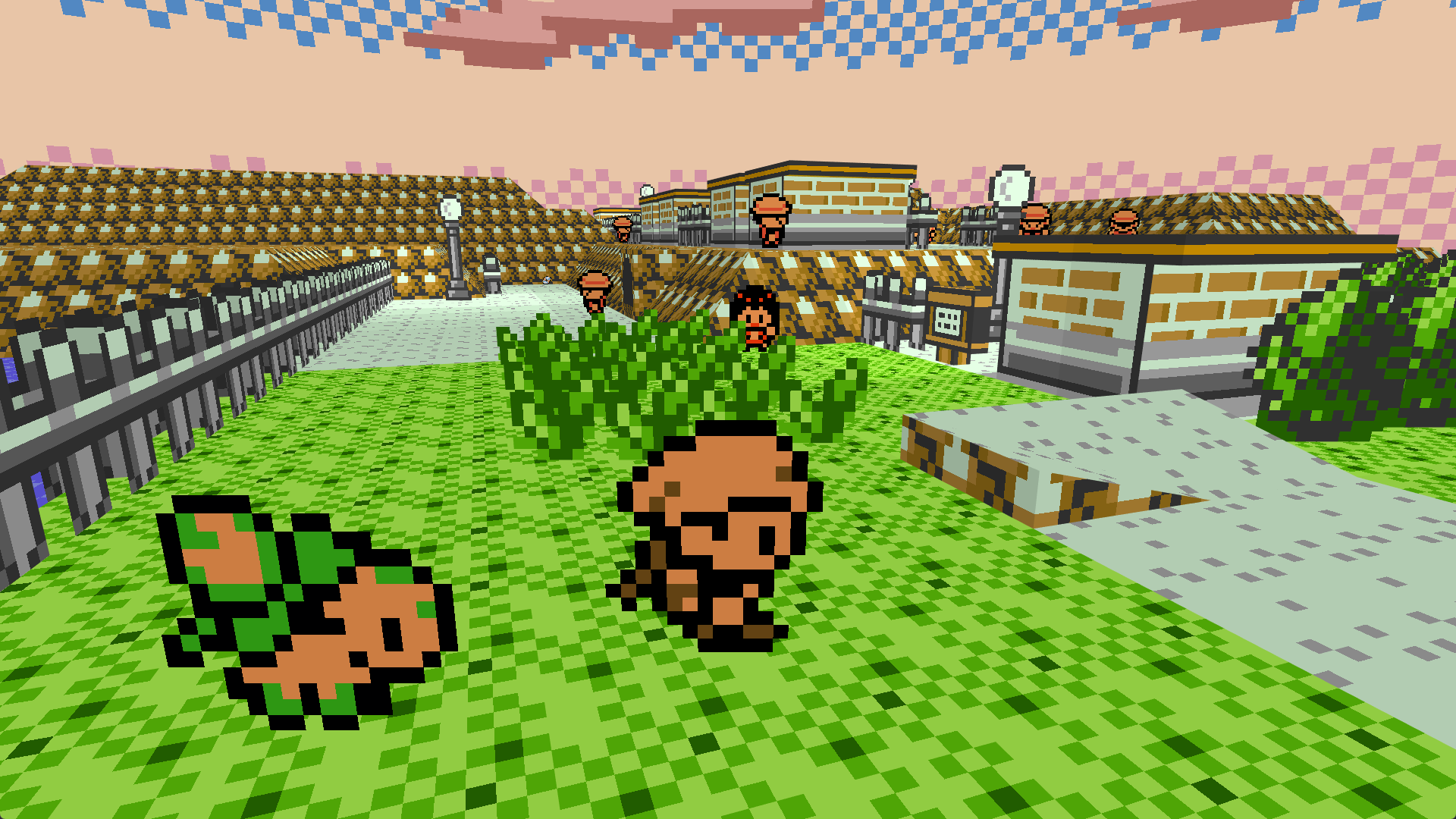
Let your Pokémon stretch its legs/wings/tentacles and join you on your adventure.
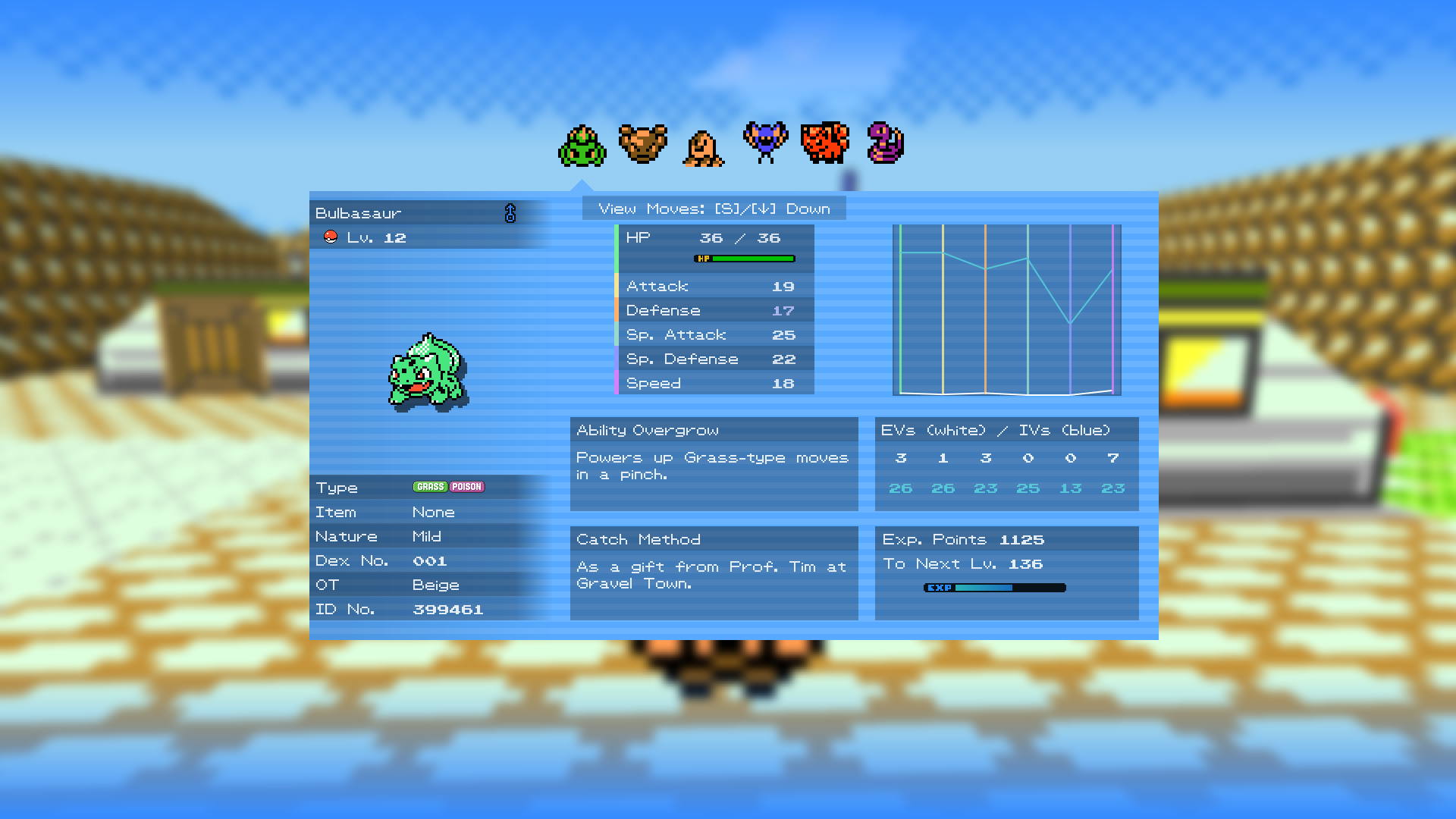
See a new Gen 1/2 aesthetic with full color environments, visually enhanced menus and more!
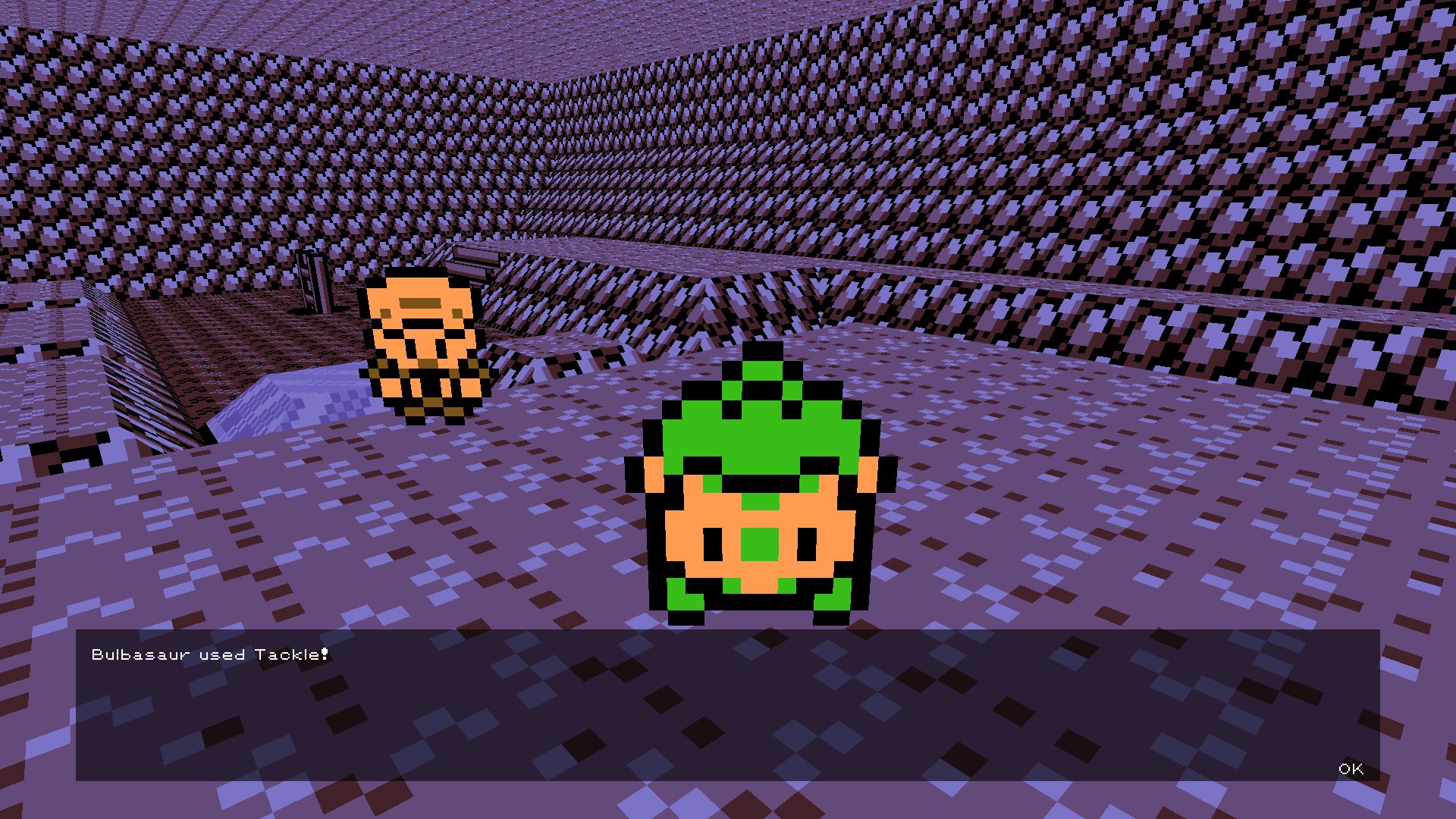
Send out your partners and battle right there in the overworld.
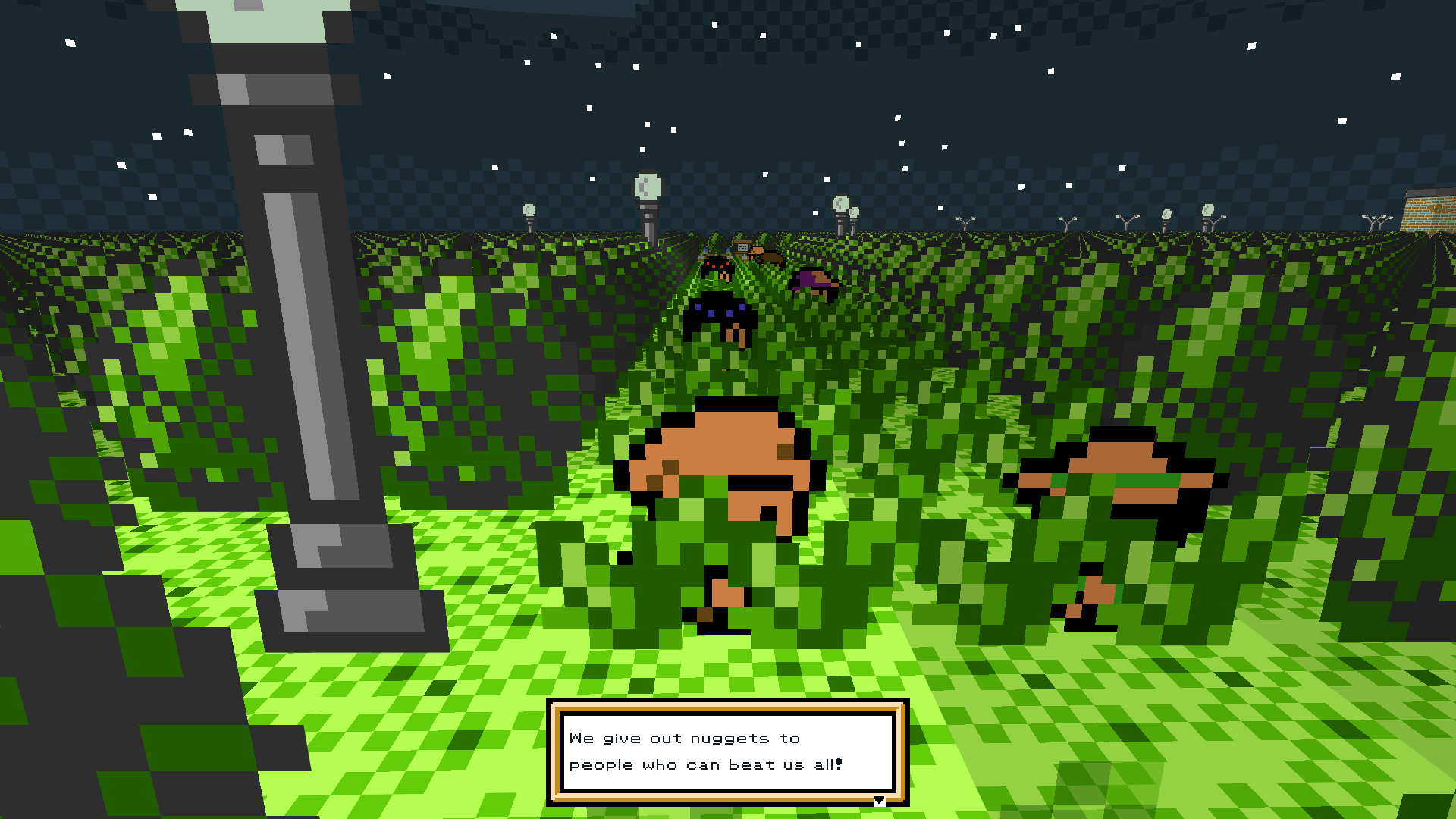
Explore Rijon under the safe and glorious sun or disk it at the dead of night!
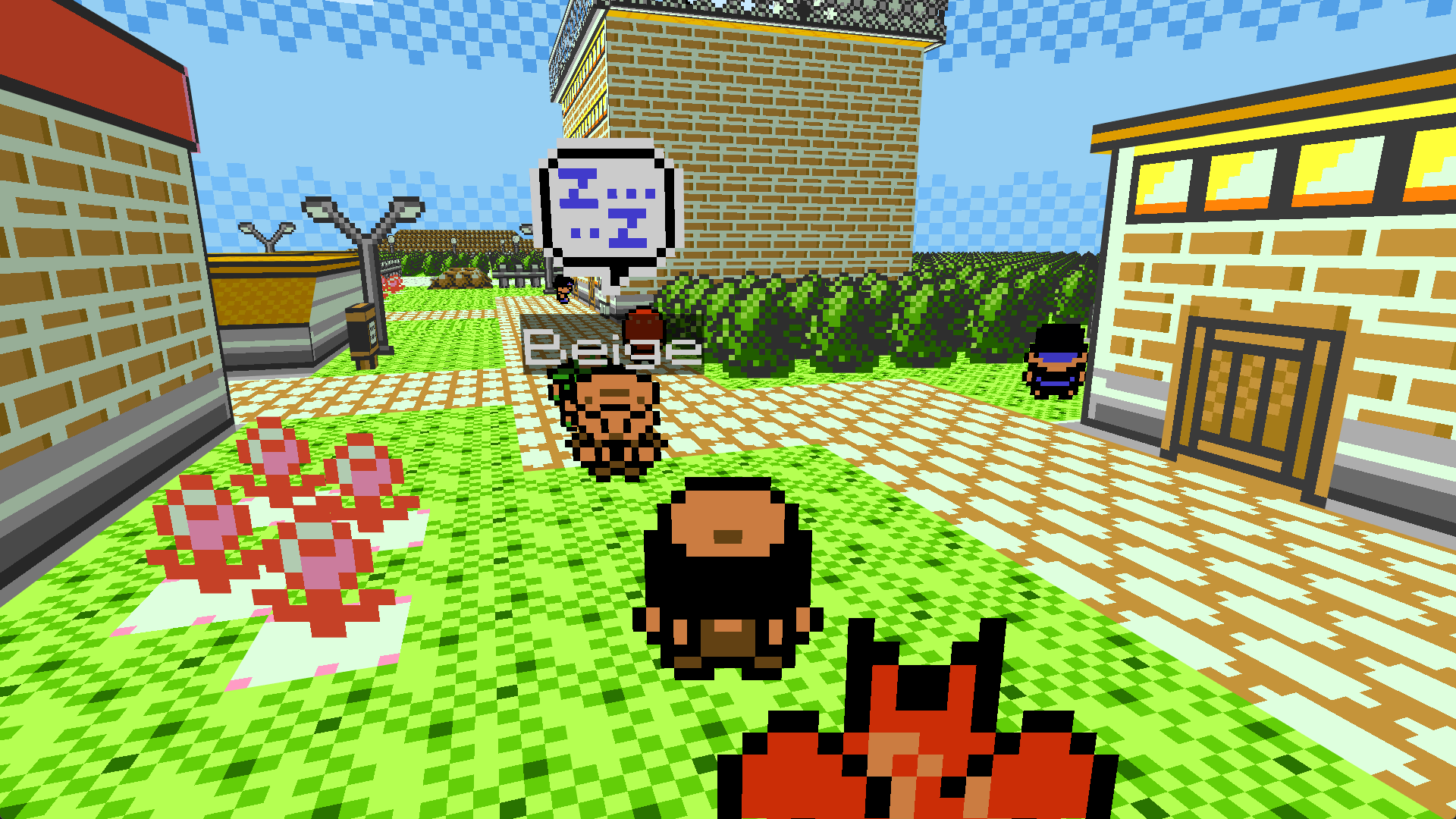
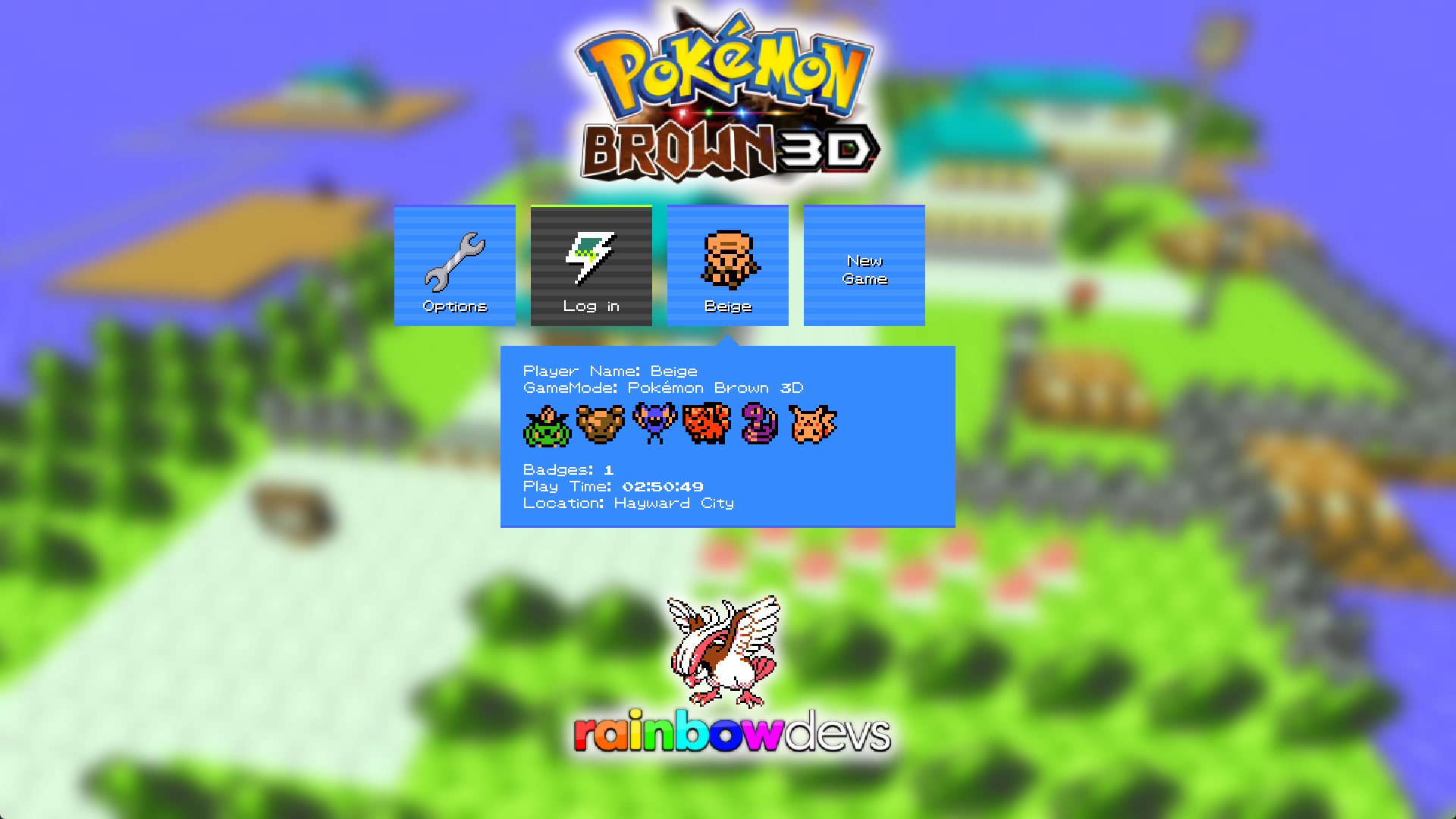
Host private or join public servers supporting Brown, and play together!
Today we release our first major update to Pokémon Brown 3D!
This includes the new features and fixes introduced in the base game, Pokémon 3D, and a huge amount of fixes and improvements to our GameMode.
Pokémon, Items, Moves and Abilities Maps and Scripts GUI and Localization Enhanced Music Pack (4.0)
Big thanks to HoodlumCallum for featuring Pokémon Brown 3D on their channel. Check it out!
Almost 3 years in the making, Pokémon Brown 3D is here at last!
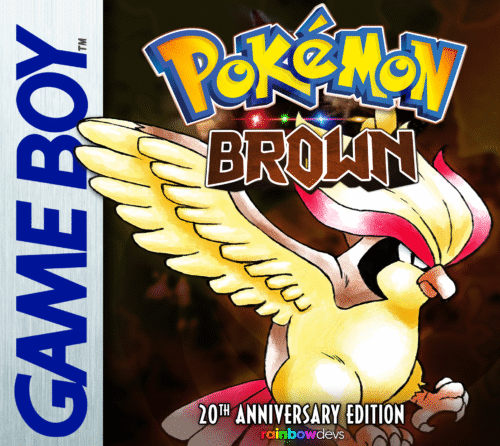
This is a game mod for Pokémon 3D by Kolben Games (link here), enabling you to experience the storm of Pokémon Brown 20th Anniversary in a full 3D environment, originally starting as a fangame project by Leahkim and Miragics before being taken on by RainbowDevs.
Pokémon 3D 0.61.2 +
Explore the brand new region of Naljo in an epic story across multiple regions!
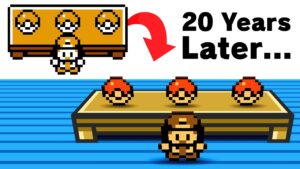
20 years after the events of Pokémon Brown, much has changed in the land of Rijon…